

How to improve your Wi-Fi connection
How to improve your Wi-Fi connection
In the digital age, a good Wi-Fi connection facilitates many daily operations, such as bank payments or consulting medical reports online. It also benefits smart working, an established habit in various work sectors where real-time access to information, data sharing, and communication between colleagues, with video calls, chats, and emails are essential for professional performance. In addition, a reliable connection accompanies you during relaxing moments, when you browse your online interests or watch your favourite programmes on streaming services.
Network problems can therefore disrupt the simplest routine activities, often due to common causes such as a router that is too old, outdated or not ideally placed in the home; too many devices connected at the same time, or signal interference from household objects or other nearby wireless networks. With a few tricks, you can improve Wi-Fi coverage at home, and if you choose fibre optics, such as Enel Energia Fibre your connection can be even better. Find out how to stay connected.
Analysis of Wi-Fi signal quality
When Wi-Fi is not optimal, the first thing to do is to evaluate the signal by means of a connection test (speed test). This test, which is available on numerous websites and applications, allows you to measure download and upload connection speeds for receiving and transmitting data. The measurement, however, can be influenced by network load, connection conditions, and time of day. It is therefore recommended to carry out several monitoring sessions during the day. If the result is good (a connection between 80 and 300 Mbps is considered “fast” in Italy), it is often sufficient to restart the router or modem, as it may be a momentary signal problem.
Otherwise, Wi-Fi coverage may be affected by certain physical obstacles that slow down the connection or prevent communication between router and modem, such as walls and electronic devices, including household appliances. In this context, therefore, the location of the router should be reviewed, avoiding “dead zones” in the home. You can perform a simple test with your smartphone, checking the areas of your home where you do not get a signal. Also bear in mind that so many devices connected to the network at the same time can affect the connection speed, even if fibre optics, such as the Enel Energia's Fibre can solve this problem.
Improved Wi-Fi connection
Assessing the location of the router is a key step in optimising your Wi-Fi connection. If possible, it is preferable to place it in a central, elevated spot in the house, such as on top of a bookcase, for better signal propagation downwards. It is best to avoid off-centre corners of the house or the inside of cupboards and cabinets, due to the difficulties in transmitting the signal and the risk of the router overheating, as well as proximity to possible sources of interference. Placement is then related to connection needs: if you use Wi-Fi for streaming, place it close to the TV set.
Periodically, remember to update the router's firmware and the drivers of devices connected to the network to resolve problems related to the stability and general performance of the connection. However, you also need to take into account two other elements for an optimal Wi-Fi connection: coverage (wireless frequency range) and bandwidth (speed). 2.4 GHz bands provide greater coverage, but at lower speeds, while 5 GHz bands have a lower frequency range, but transmit at higher speeds.
Troubleshooting connection problems
Many electronic devices, such as household appliances, use the universal 2.4 GHz bands, but simultaneous occupation of the same radio space can slow down a Wi-Fi connection travelling on that band, creating network congestion. This is why it is preferable to choose 5GHz or 6GHz bands, which transmit at higher speeds over smaller spatial ranges, since high frequencies cannot penetrate walls and other obstacles. Alternatively, it is possible to limit wireless bandwidth for certain devices.
You can do this directly from the router by adjusting the Qos (quality-of-service) so that certain devices have higher bandwidth priority. Or you can create a second wireless network parallel to your home network (like a “guest network”) with bandwidth limits imposed on everyone who connects. In a block of flats, however, network problems often arise from interference with neighbours' Wi-Fi networks, especially at peak usage times, evenings and weekends, when all routers tune to the factory preset bandwidth channel. You can then use an app to identify which of the available channels is most downloadable and tune in to that.
Today, Wi-Fi is indispensable, but it is often affected by external problems on which you can intervene with small choices. Find the best location for your router and make sure it always has the latest updates; choose the bandwidth best suited to your connection needs, and limit external interference as much as possible.
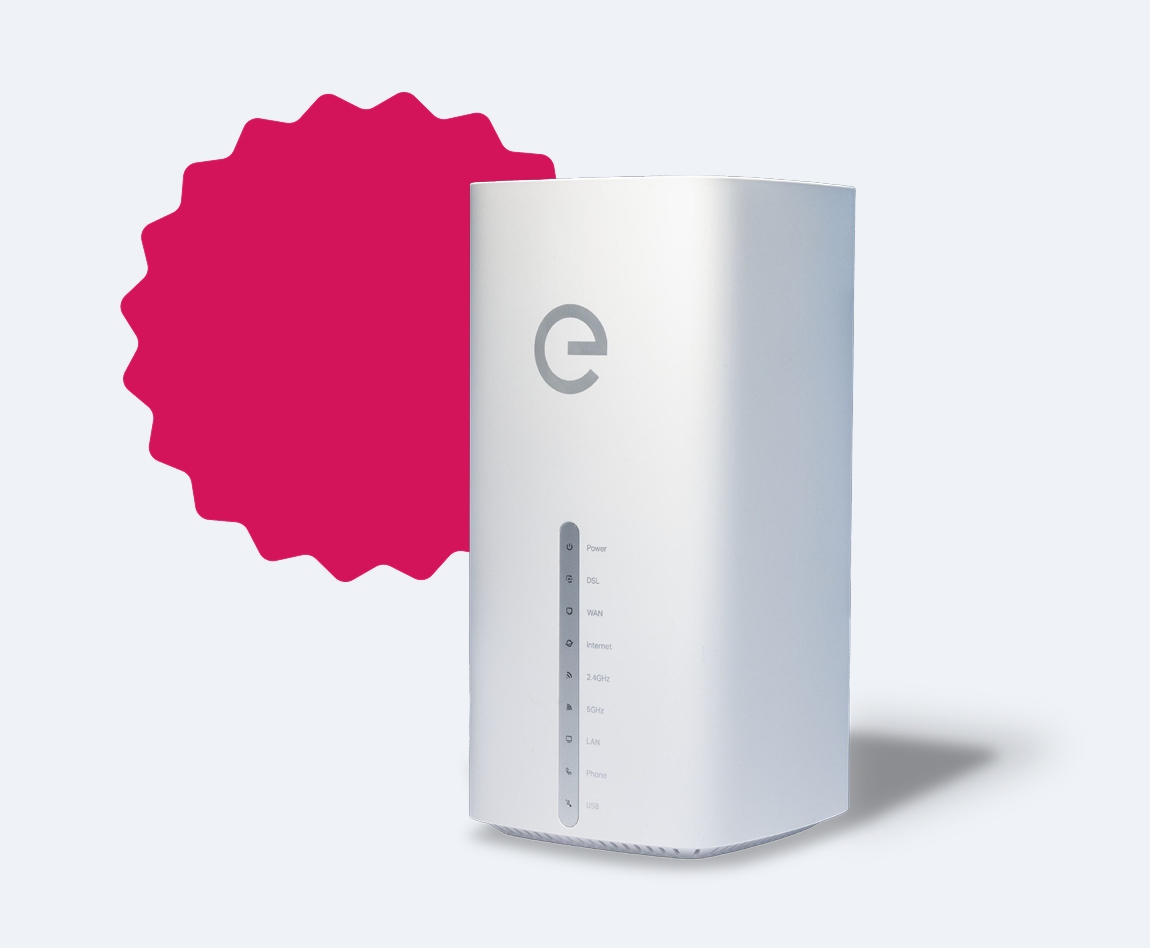
Remember, however, that a stable and ultra-fast fibre-optic connection makes all the difference in performance terms. With Enel Energia’s Fibre in FTTH (fibre to the home) technology, you can surf up to 1 Gigabit/s download and 300 Mbit/s upload for an integrated, stable and fast connection.
Verify ZIP Code
Enter the ZIP code of the residence for which you want to activate the offer and check if you're eligible. If the result is positive, you can proceed with the subscription.


Ci dispiace! Sembra che il tuo CAP non rientri tra quelli in cui è possibile sottoscrivere l’offerta
Find out what type of Fiber is available at your address
With Enel Energia Fiber, you always surf at the highest speed available. Enter your address and discover the details of your new connection.
Ci dispiace! L’indirizzo che hai inserito non è ancora raggiunto dalla fibra di Enel Energia
In questo momento non è possibile attivare l’offerta sull’indirizzo indicato perché non è raggiunto dalla fibra di Enel Energia. Puoi sempre verificare un altro indirizzo.
Qualcosa è andato storto
Riprova più tardi
By purchasing the air conditioner, you’ve unlocked an exclusive discount code and are entitled to a reward. Enter the code to receive a €360 bill bonus with the Formidabile Luce offer tailored for you.


Formidabile Luce for you
The Formidabile Luce offer includes a discount on the list price of the energy component for customers switching from the Servizio di Maggior Tutela.

Locked for the first 12 months
Commercialization and Sales Fee
12 €/kWh
Air Conditioner at a Formidable Price
Purchase an Enel X air conditioning system with delivery, standard installation, and ENEA paperwork support included.*
Price air conditioner
, month

Standard installation included
ENEA paperwork support included*