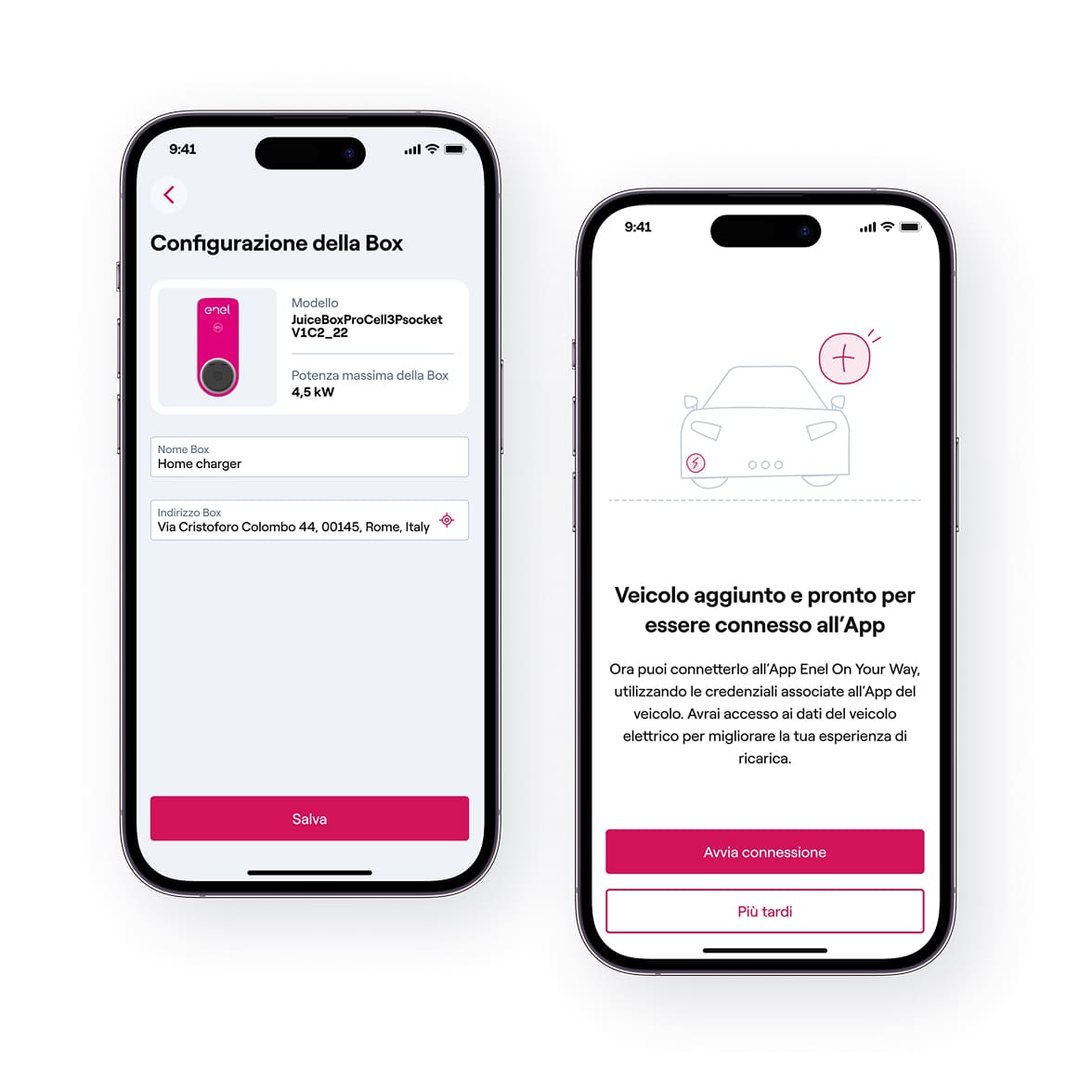
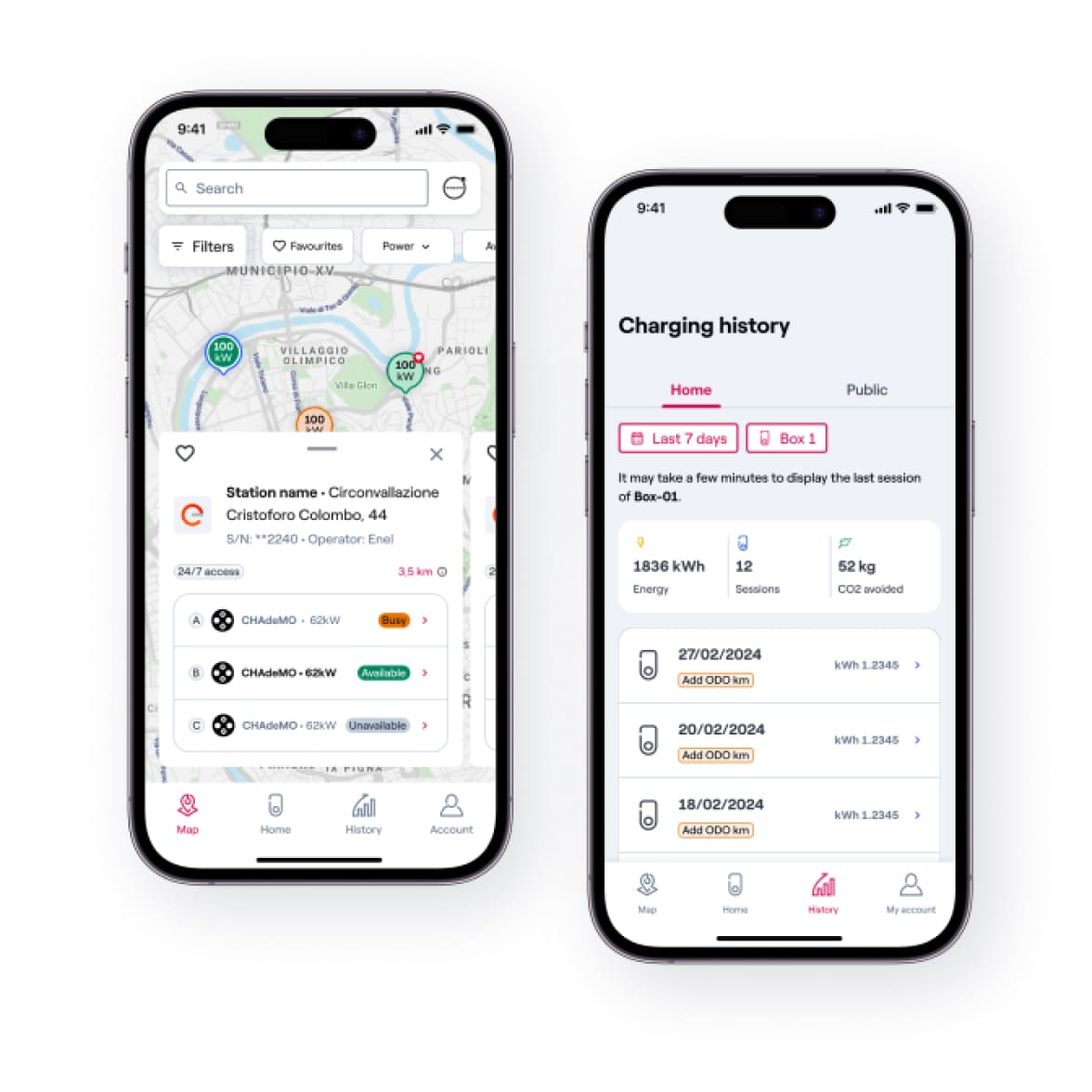
Charging made easy
thanks to the Enel On Your Way app

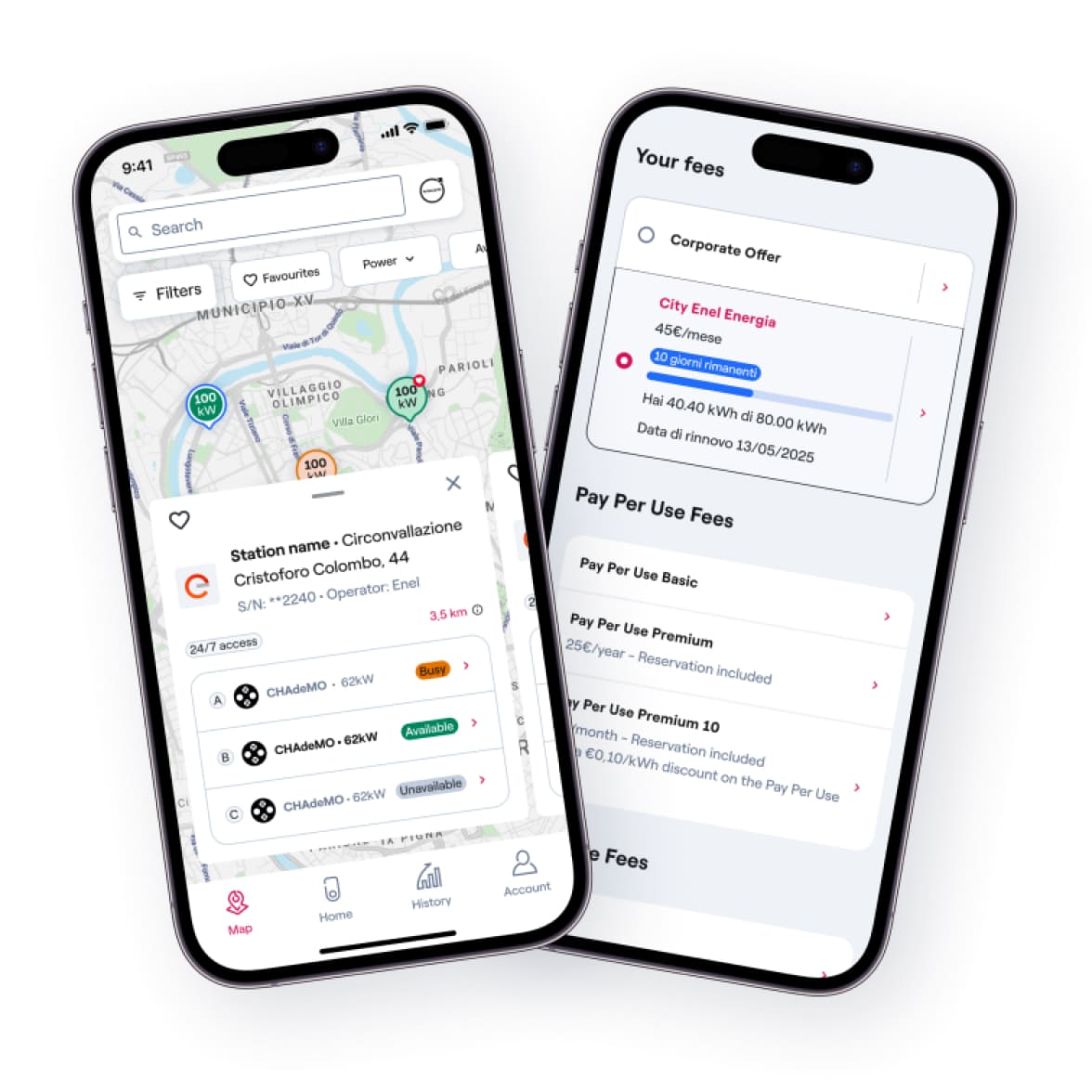
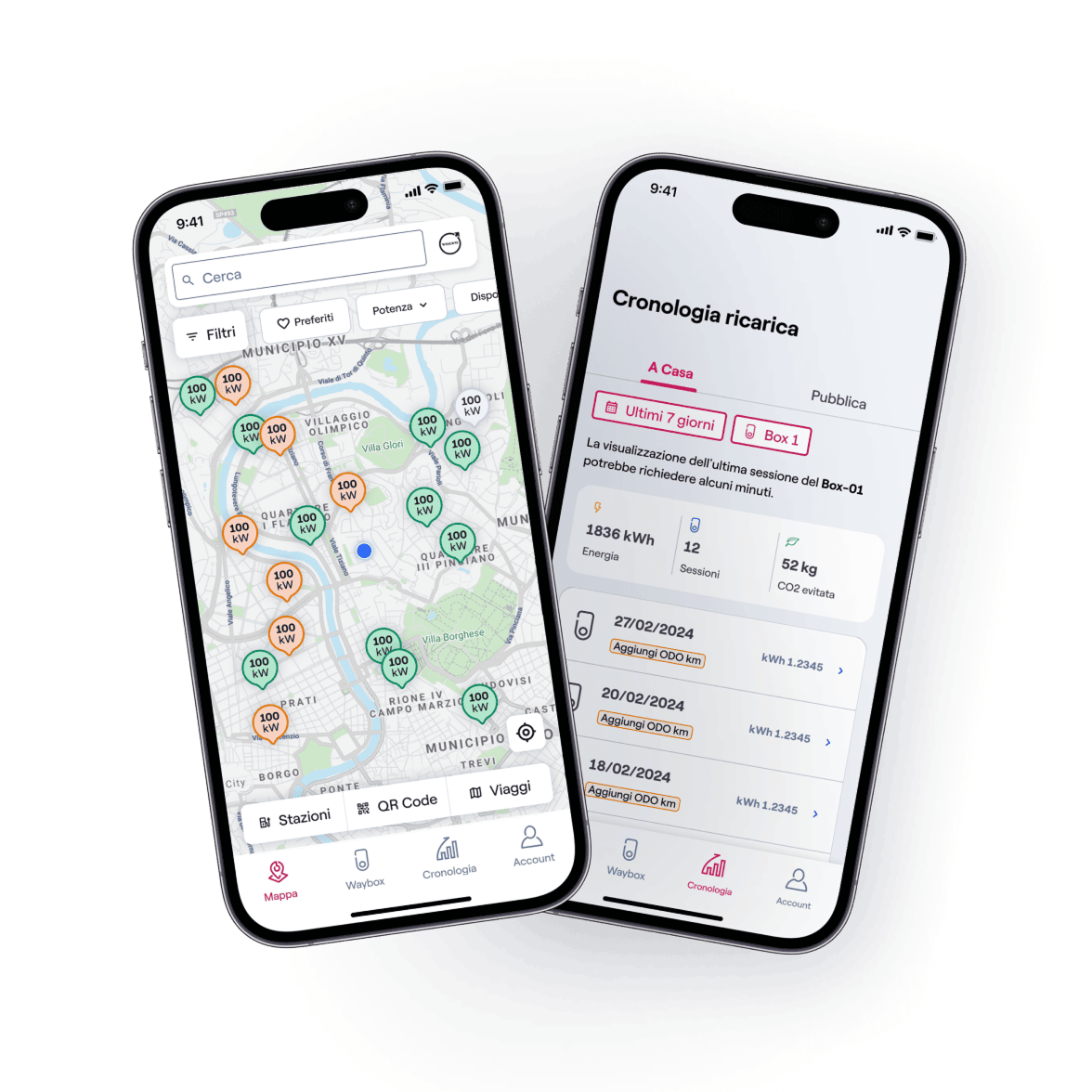
Manage the charging of your electric or hybrid car wherever you are.

Enel X Waycard

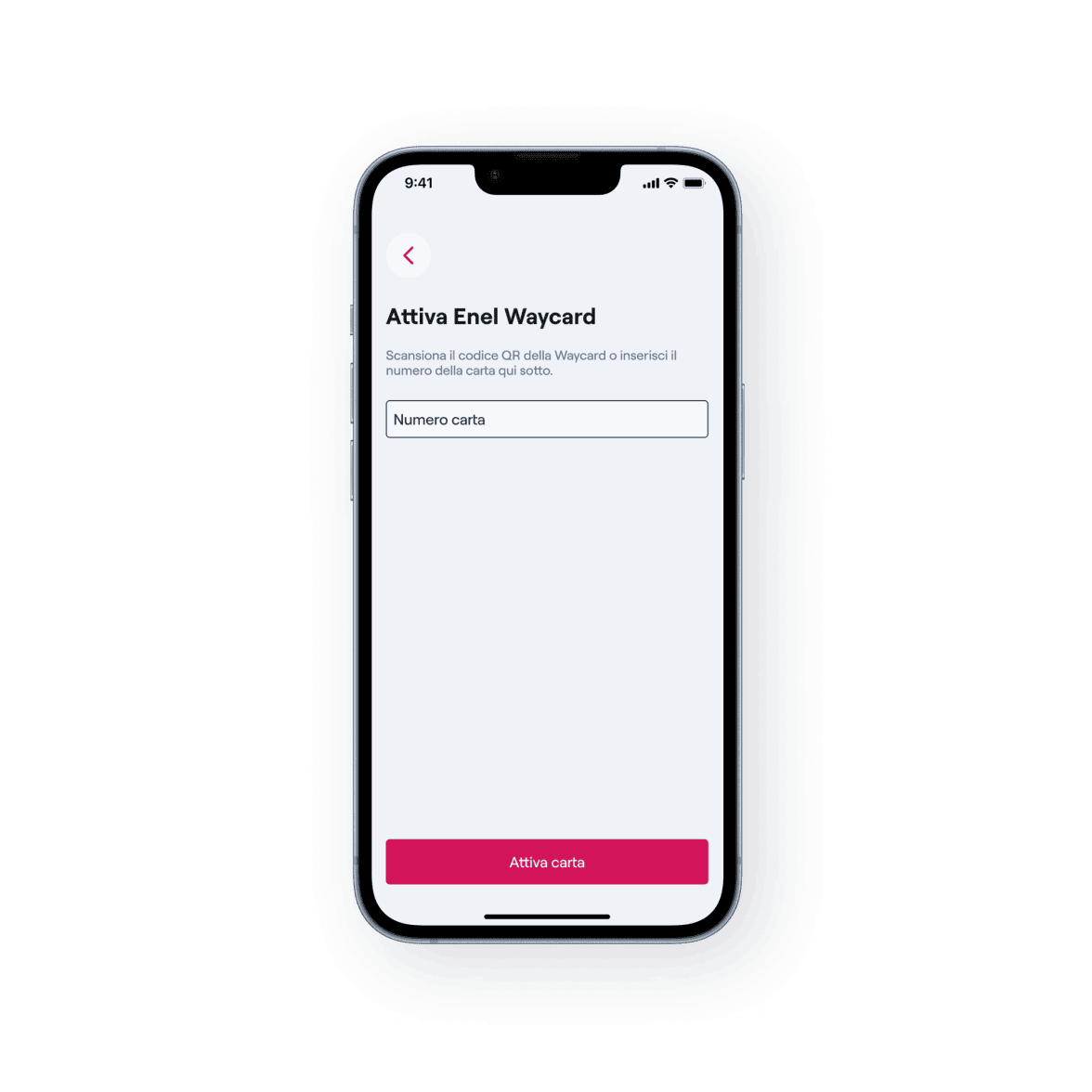
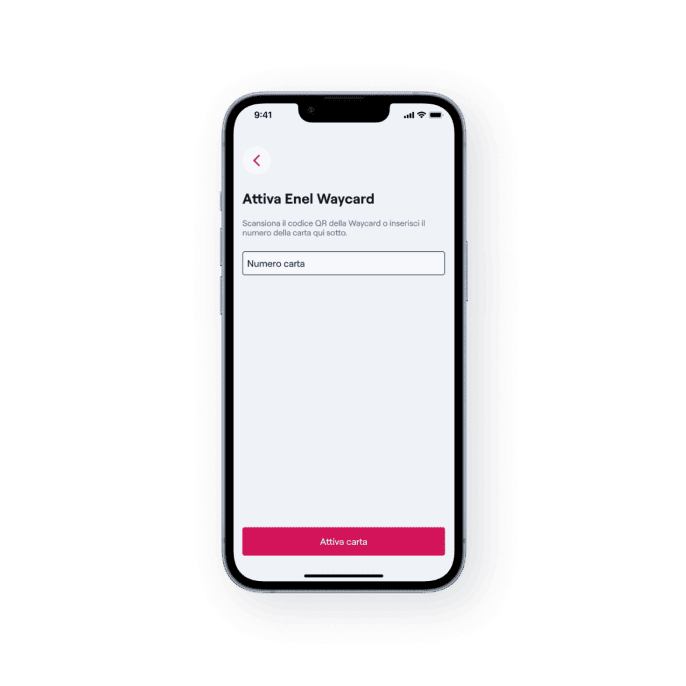
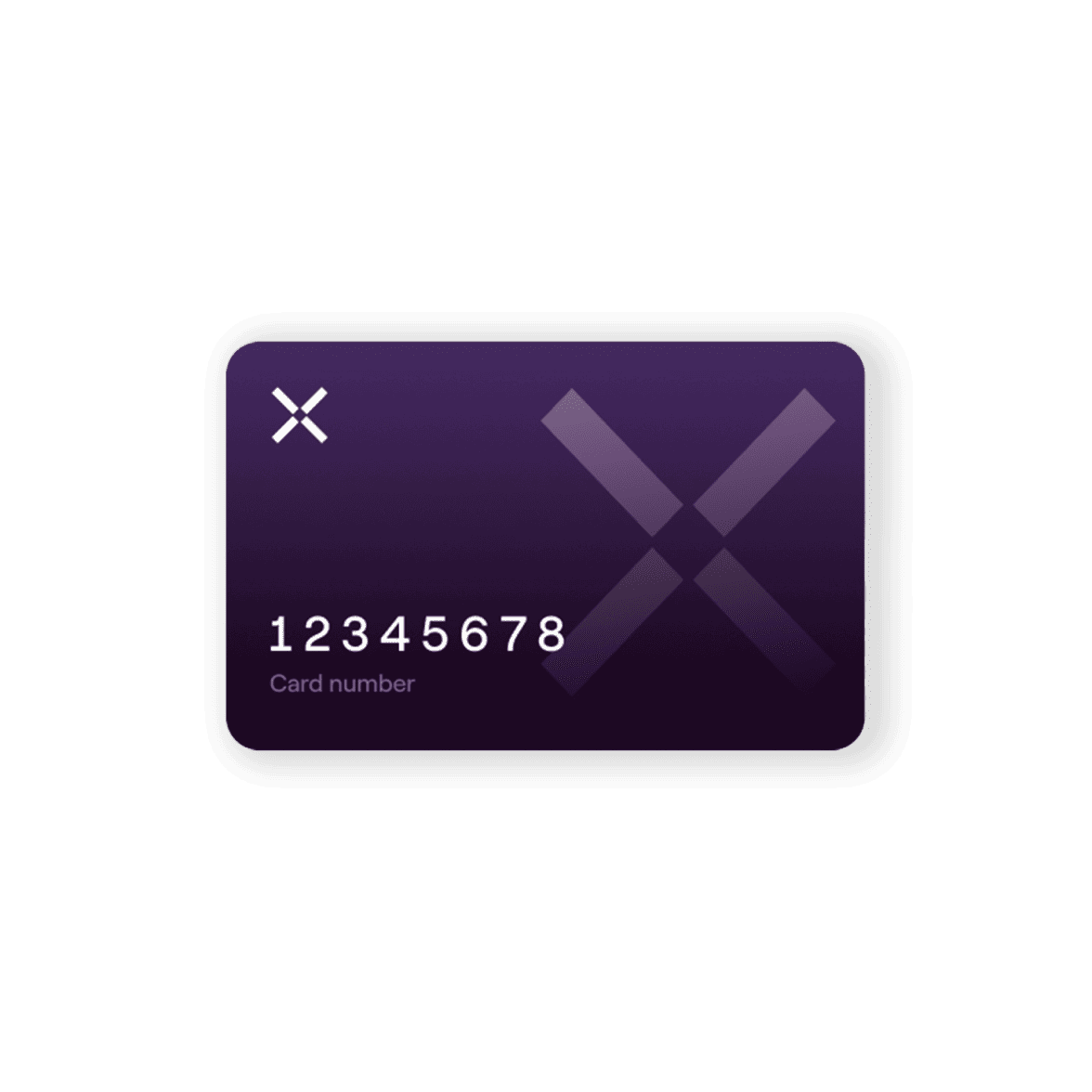
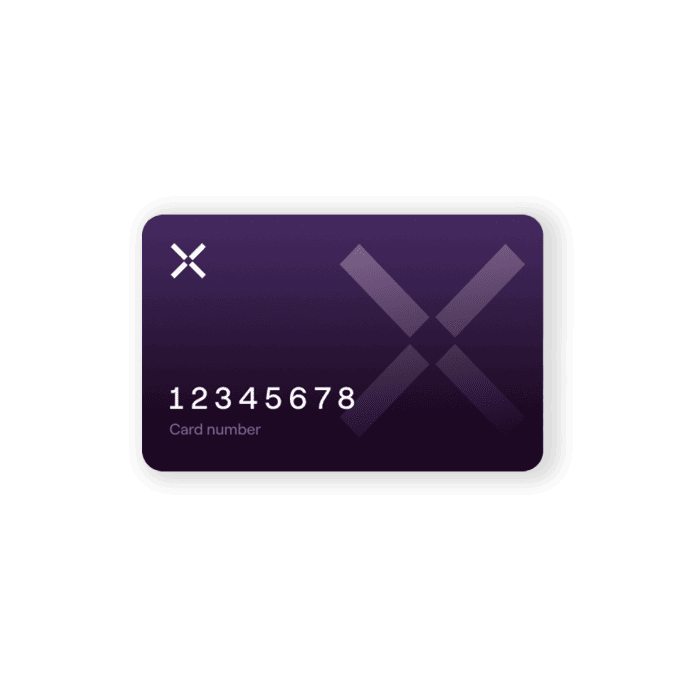
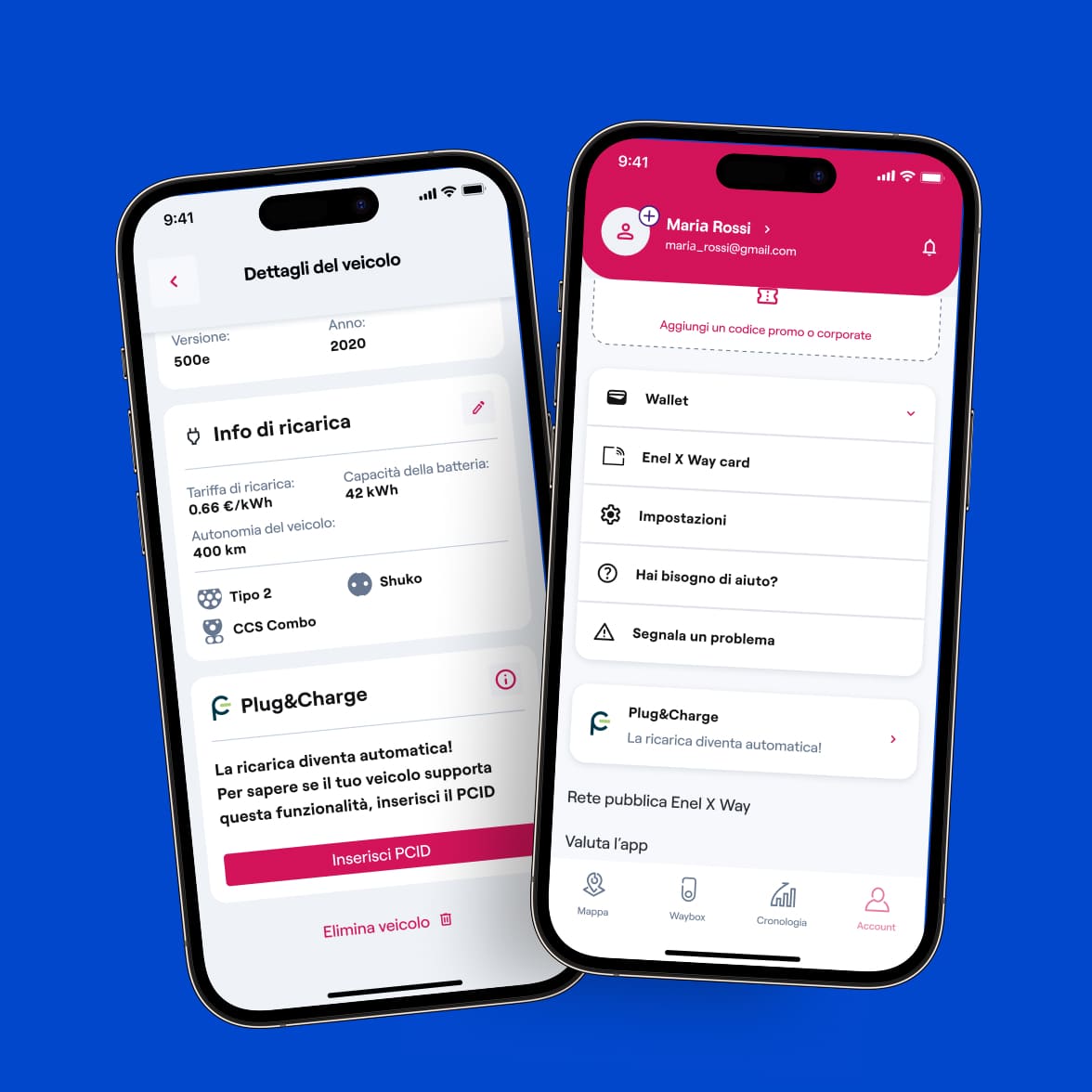
The Enel X Waycard is a card you can use as an alternative to the app to start and stop charging: activate it by entering your card number in the app in your account, in the Waycard section. Associated with your payment method and set rate plan, it can be used by swiping it over the reader at compatible charging stations.

Offerto da Enel X S.r.l.

Charging services

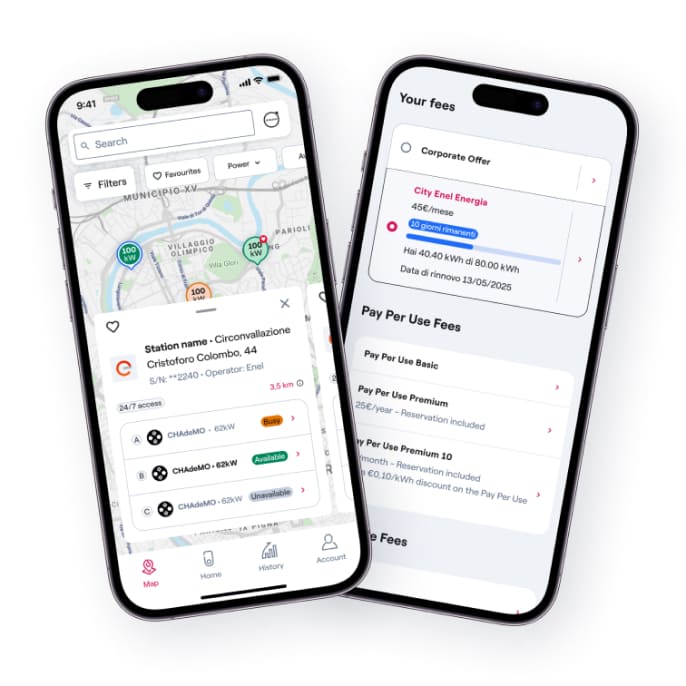
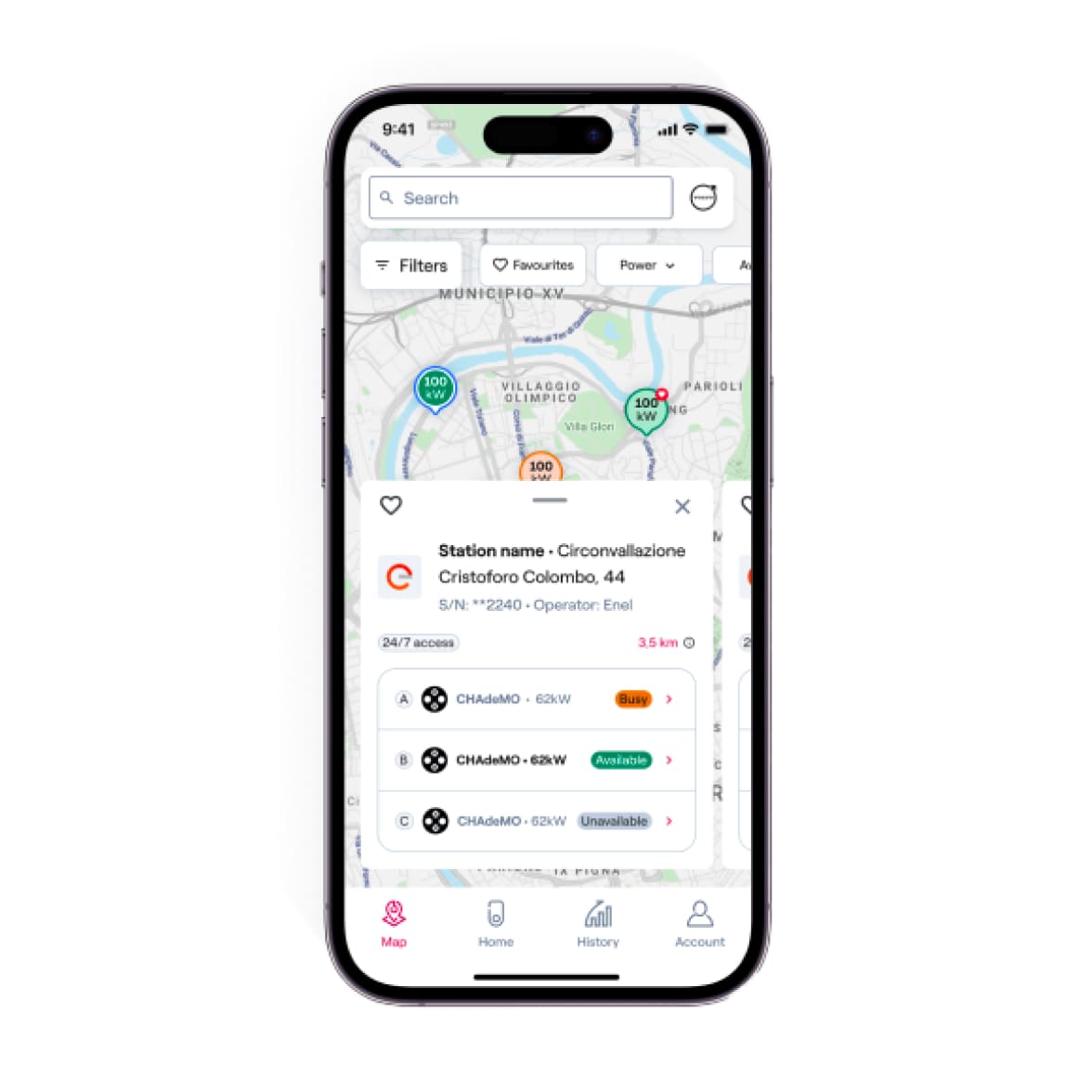
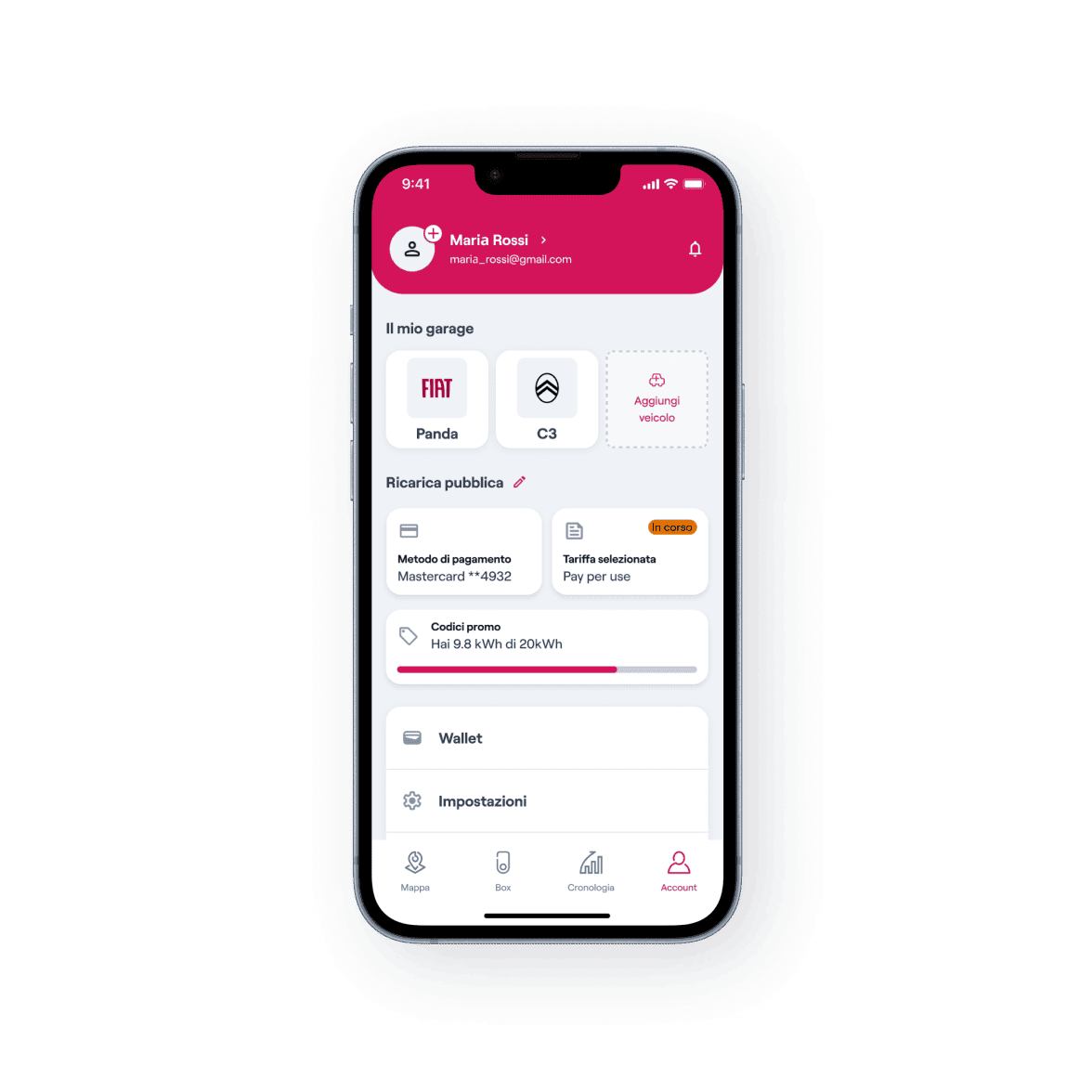
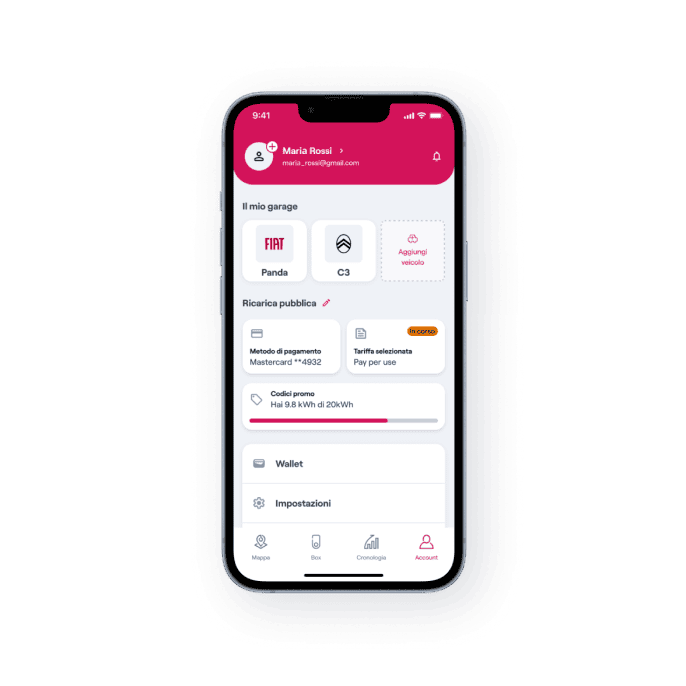
immagine smartphone con schermata dell'applicazione

immagine smartphone con schermata dell'applicazione

immagine smartphone con schermata dell'applicazione

Rates and subscriptions
A range of tariffs and subscriptions designed for every charging need.
Discover more
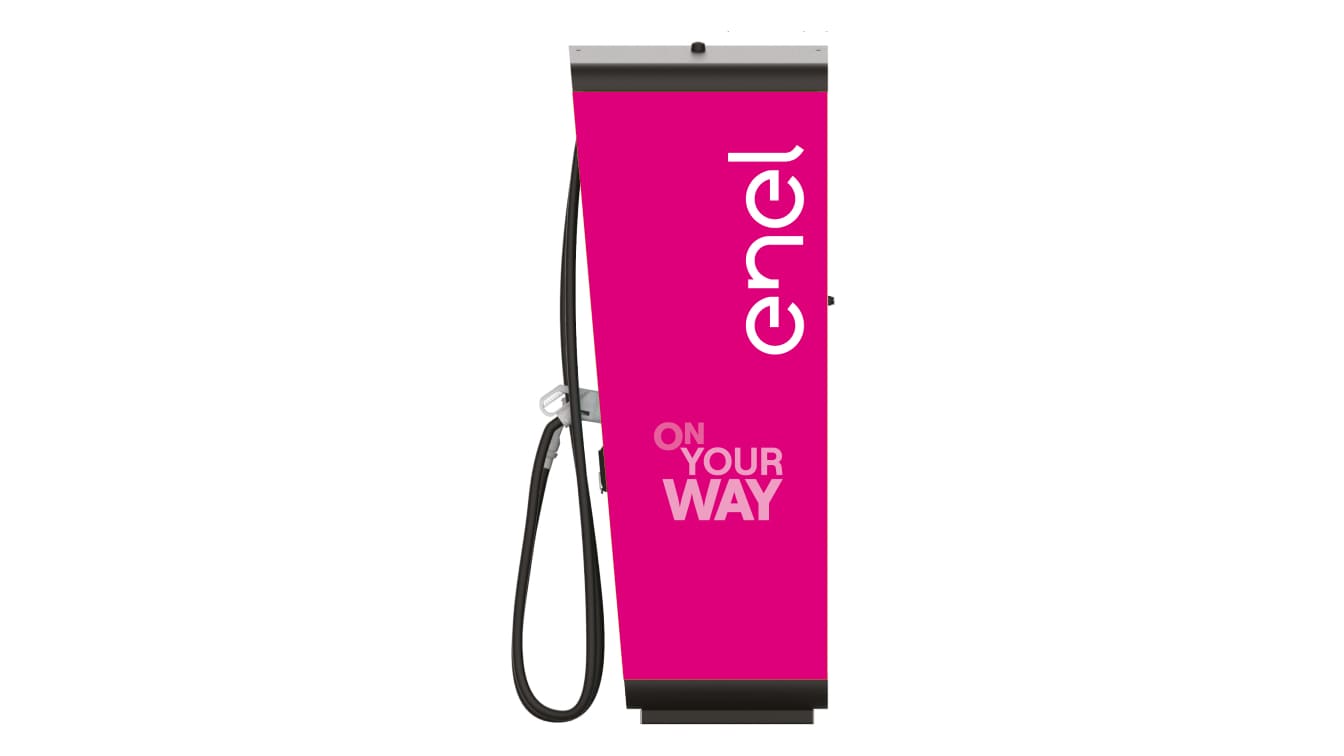
immagine con colonnine di ricarica waypump

immagine con colonnine di ricarica waypump

immagine con colonnine di ricarica waypump

Build your charge
Purchase charging infrastructure to install in publicly accessible areas in parking lots.
Discover more
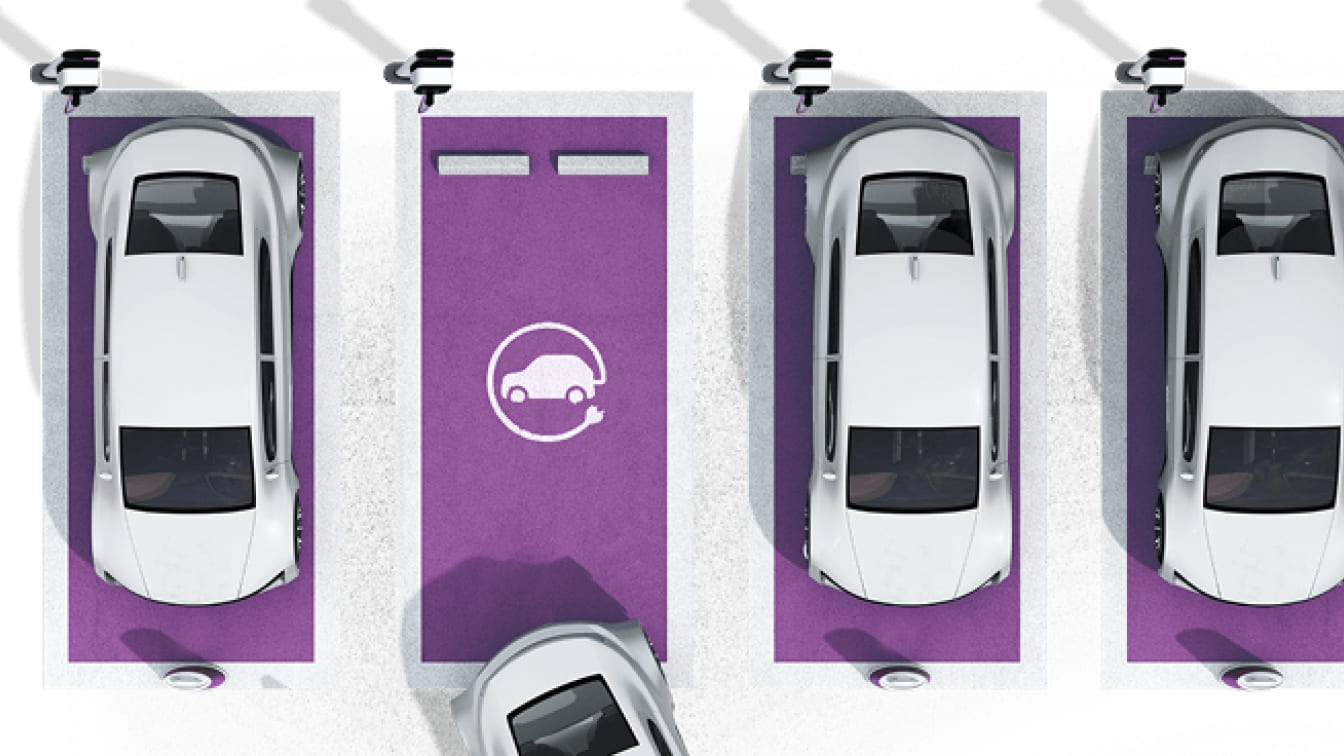
immagine con auto bianche parcheggiata e una sola in movimento in uscita dal parcheggio

immagine con auto bianche parcheggiata e una sola in movimento in uscita dal parcheggio

immagine con auto bianche parcheggiata e una sola in movimento in uscita dal parcheggio

Recharge Partner
Become a partner of Enel X Way Italia by installing publicly accessible charging infrastructure in parking areas.
Discover more

Offerto da Enel X S.r.l.

Frequent questions

How can I purchase and use the physical RFID card?

You can purchase one or more RFID cards via the App by following these simple steps:

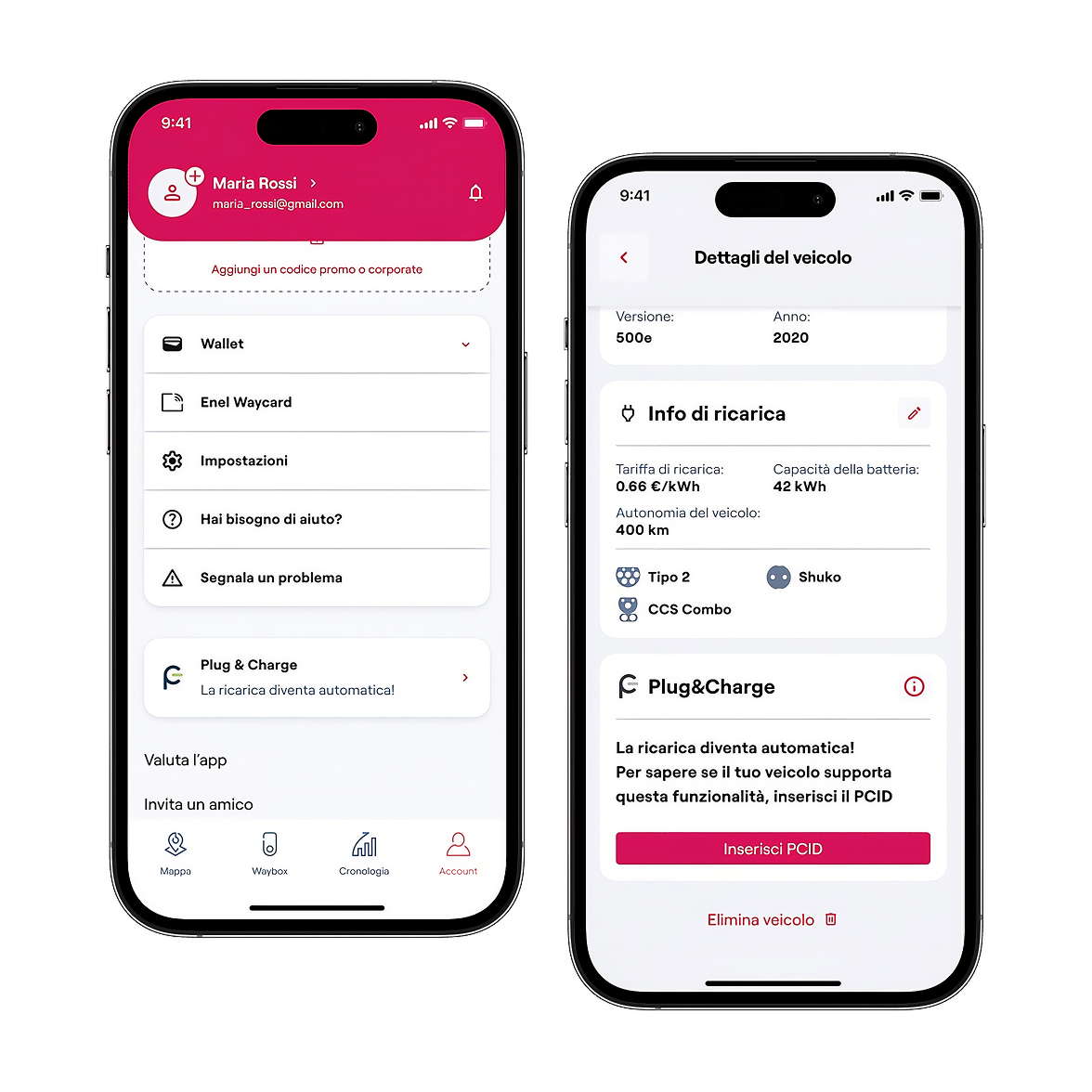
  • From the navigation bar, select the "Account" icon
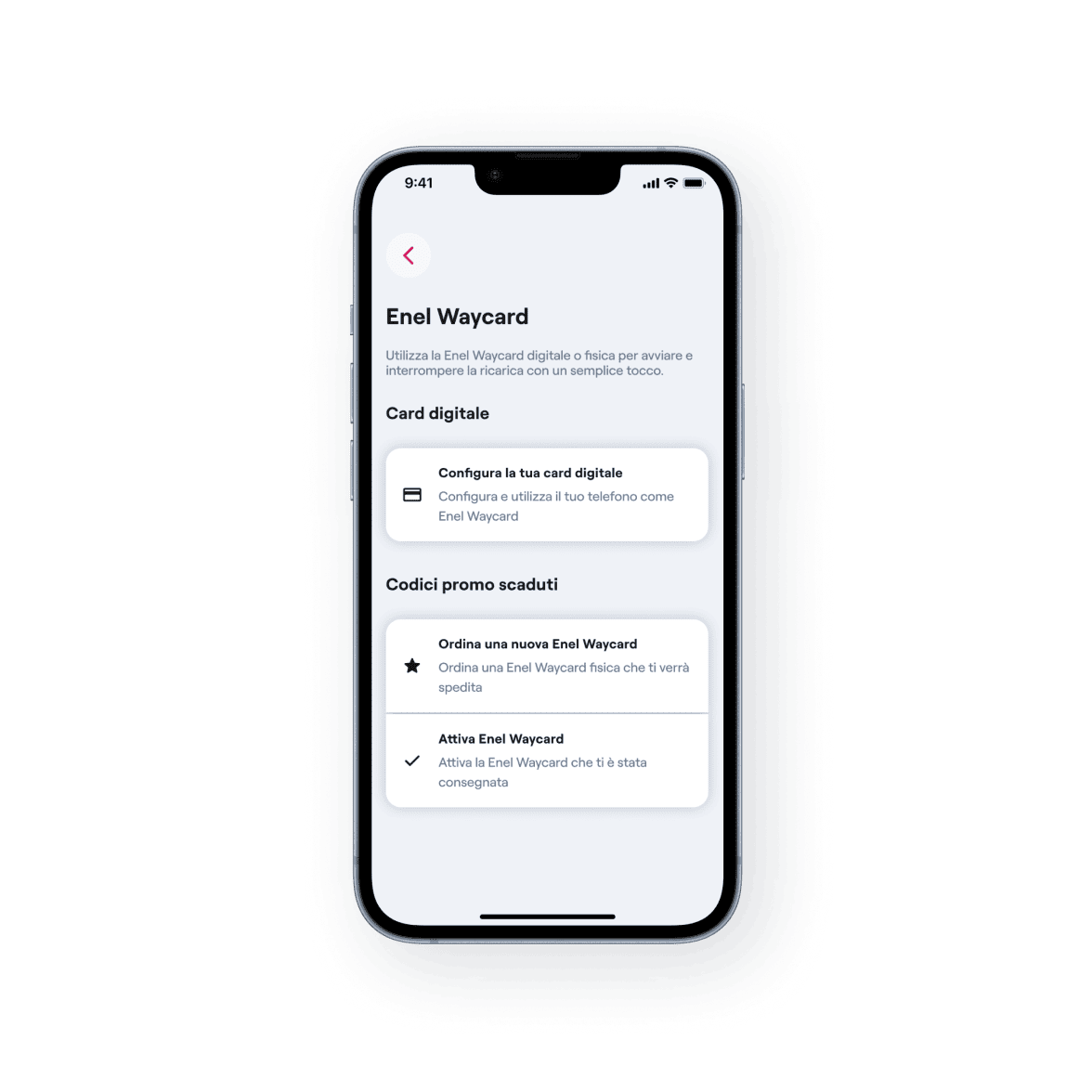
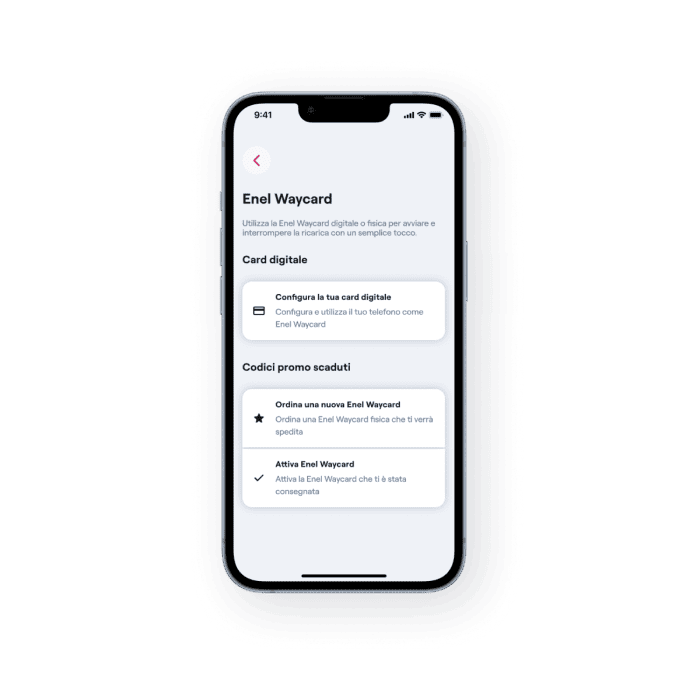
  • Select "Enel X Way Card", then "Order a new RFID card"
  • Enter your billing address and the address where you want to receive the card
  • Select the payment method already registered in the Wallet or add a new one to make the purchase. The cost is €16.00 (VAT included) - Click "Buy"

Once you receive it, remember to associate it with your Enel X Way account:

  • Go to the "Activate your RFID card" section
  • Enter or scan your card code

Now you're ready to top up By holding the physical card near the charging station reader. Charging costs will depend on the tariff plan selected in your Wallet. If you are an employee, contact your company representative and follow the same steps for pairing in the app.


With the same RFID card, you can also authorize home charging on your Waybox.

What is the difference between an RFID card and a digital card?

The RFID card can be purchased via the app and allows users to start and end public and private top-ups without using the app. The digital card is free and can be used directly within the app.

How can I activate and use the digital RFID card?

For Android devices, you can activate a free digital card in the app to start and stop charging simply by activating NFC on your smartphone and holding it close to the charging station reader. Pricing and payment are applied based on your account settings – Wallet section.


To activate:

  • From the navigation bar, select the "Account" icon
  • Select "Enel X Way Card" then click "Configure your digital card"
I lost my RFID card, what should I do?

If you have lost your RFID card, ask for support by calling the toll-free number found in the "Report a problem" section of your account by clicking on the "Assistance" icon, or by writing to enelxway.italy.support@enel.com.

Offerto da Enel X S.r.l.