

5 factors for better Wi-Fi at home
Today, the quality of home Wi-Fi affects many everyday activities: from work to study, from streaming to smart devices that are always connected. But when the connection slows down or becomes unstable, it is not always a line issue. Sometimes, other factors that may limit performance need to be considered.
Before putting into practice how you can improve your Wi-Fi connection, it is therefore useful to understand which characteristics of the connection, the router or the home environment can influence its performance.
What does the quality of home Wi-Fi depend on?
Wi-Fi is the way the connection that reaches your home is distributed to devices via radio waves. For this reason, final performance depends on several steps: how fast and stable the incoming line is, how the router manages and transmits it, what the signal encounters along the way (walls, distance, interference), as well as the number of connected devices and the position of the modem in the home. If one of these elements is weak, you notice it immediately through slowdowns, buffering, or rooms where the signal seems to disappear.
Which factors should you consider for better Wi-Fi at home?
Home Wi-Fi is never the result of a single element; it is a delicate balance between multiple levels: infrastructure, technology and context of use. For this reason, if you want to improve your home experience, the first step is to understand which of these five factors is limiting your Wi-Fi.


Actual line speed
The first limitation of Wi-Fi is the actual speed of the connection that reaches the router. Even with an excellent wireless signal, devices cannot browse faster than the line allows. This becomes evident in a connected home where many devices (smart TVs, PCs, smartphones, alarm systems, shutters, connected products such as Echo Dot, PlayStation…) simultaneously use bandwidth-intensive services, such as high-definition streaming, large downloads or cloud file transfers.
A Fiber line, especially FTTH, offers greater bandwidth capacity and better performance continuity compared to traditional technologies. In this way, the router receives more “resources” to distribute, and home Wi-Fi can perform at its best.
Connection stability
In addition to speed, what matters is how responsive and consistent the network is. Latency is the “delay” with which data reaches devices, while jitter indicates how much that delay varies over time: if it increases or is irregular, activities such as video calls, online learning, gaming or live streaming may experience stuttering, delays or micro-interruptions. Think, for example, of video game enthusiasts or online gamers: these factors can affect the gaming experience, with commands registered late, unresponsive movements and micro-lag.
In this context, choosing Fiber helps because it reduces response times and makes the data flow more continuous, improving the experience in applications that are sensitive to stability.
Router and Wi-Fi coverage
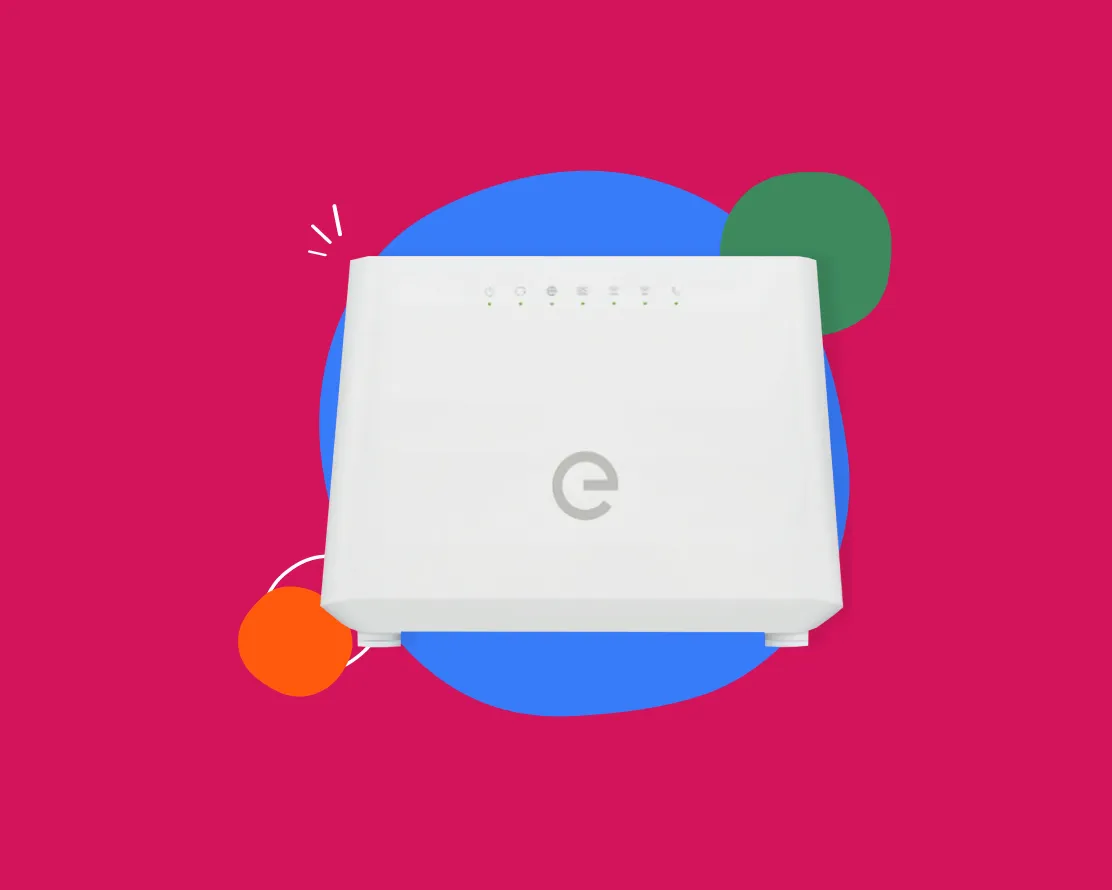
The router is the command center of the network: it receives the Internet connection and distributes it via Wi-Fi. If the device is outdated or does not manage multiple simultaneous streams efficiently, it can become the bottleneck that slows down the entire network, even when the line itself is good. Similarly, placement affects coverage: a router located far from the main areas of use, or enclosed in a cabinet, distributes a less uniform signal.
Today, many offers on the market, such as Enel Fiber, include next-generation routers (for example, Wi-Fi 6), designed to handle higher speeds and more devices at the same time, improving network efficiency and stability at home.
Physical obstacles and interference
Wi-Fi is a radio signal: thick walls, floors, metal doors, mirrors, and household appliances can weaken or deflect it. In addition, in apartment buildings and densely populated residential areas, nearby networks using the same channels create congestion and interference, reducing speed and stability even when the signal appears strong.
A Fiber connection ensures a more high-performing and stable base right from the start: even when the environment weakens the Wi-Fi signal, browsing generally remains smoother. To improve coverage in more distant rooms, you can also integrate extension solutions such as additional access points or Mesh systems.
Connected devices
The perceived quality of Wi-Fi also depends on how many devices are connected and what activities they are performing. Smartphones, TVs, PCs, consoles, video cameras, voice assistants and home automation all share the same radio capacity: if several people are streaming, making video calls and downloading at the same time, the router has to divide bandwidth and priorities, and performance may decrease.
With Fiber, thanks to greater bandwidth availability and better service continuity, the network is able to manage multiple active connections without significantly degrading performance, even with more intensive digital use.
Enel Flash Fibra Trio Web
If you want to improve your Wi-Fi at home, starting with Fiber is a concrete choice: it means having a faster, more stable connection that is less subject to performance drops when streaming, smart TVs, video calls or gaming increase.
If you are already an Enel Luce e Gas customer (or become one), Enel Fibra Flash Trio Web is the offer designed for you: a complete solution that provides you with:
Price fixed for 3 years at €17.90 per month, both with FTTC and FTTH technology;
Bolletta Web service included and the possibility to activate the offer through all channels, including with direct debit;
Free online activation: if you prefer activation through physical or telephone channels, the activation cost is €29.90.
In addition, at present the offer has no expiry date: you can decide when to activate it, take your time to evaluate the solution best suited to your home, and start taking advantage of all the benefits of better, more reliable Wi-Fi, ready to manage multiple devices without stress.
.jpg)

Verify ZIP Code
Enter the ZIP code of the residence for which you want to activate the offer and check if you're eligible. If the result is positive, you can proceed with the subscription.


Ci dispiace! Sembra che il tuo CAP non rientri tra quelli in cui è possibile sottoscrivere l’offerta
Find out what type of Fiber is available at your address
With Enel Energia Fiber, you always surf at the highest speed available. Enter your address and discover the details of your new connection.
Ci dispiace! L’indirizzo che hai inserito non è ancora raggiunto dalla fibra di Enel Energia
In questo momento non è possibile attivare l’offerta sull’indirizzo indicato perché non è raggiunto dalla fibra di Enel Energia. Puoi sempre verificare un altro indirizzo.
Qualcosa è andato storto
Riprova più tardi
By purchasing the air conditioner, you’ve unlocked an exclusive discount code and are entitled to a reward. Enter the code to receive a €360 bill bonus with the Formidabile Luce offer tailored for you.


Formidabile Luce for you
The Formidabile Luce offer includes a discount on the list price of the energy component for customers switching from the Servizio di Maggior Tutela.
Locked for the first 12 months
Commercialization and Sales Fee
12 €/kWh
Air Conditioner at a Formidable Price
Purchase an Enel X air conditioning system with delivery, standard installation, and ENEA paperwork support included.*
Price air conditioner
, month

Standard installation included
ENEA paperwork support included*