

Want to learn more about Ultrafast Fiber?
Want to learn more about Ultrafast Fiber?
FAQ about Ultrafast Fiber
The connection types available for Enel Energia’s Fiber offers are FTTC and FTTH, which stand for “Fiber To The Cabinet” and “Fiber To The Home,” respectively. The first involves a fiber optic connection from the central office to the street cabinet, continuing via copper wiring to the customer’s home. For this reason, it is also called mixed fiber-copper. The second involves a fiber optic connection all the way from the central office directly to the customer’s home. In this case, the browsing speed achieves higher performance.
Clear pricing and fiber optic and fiber-copper connection technologies to get you online at home with fast download and upload speeds.
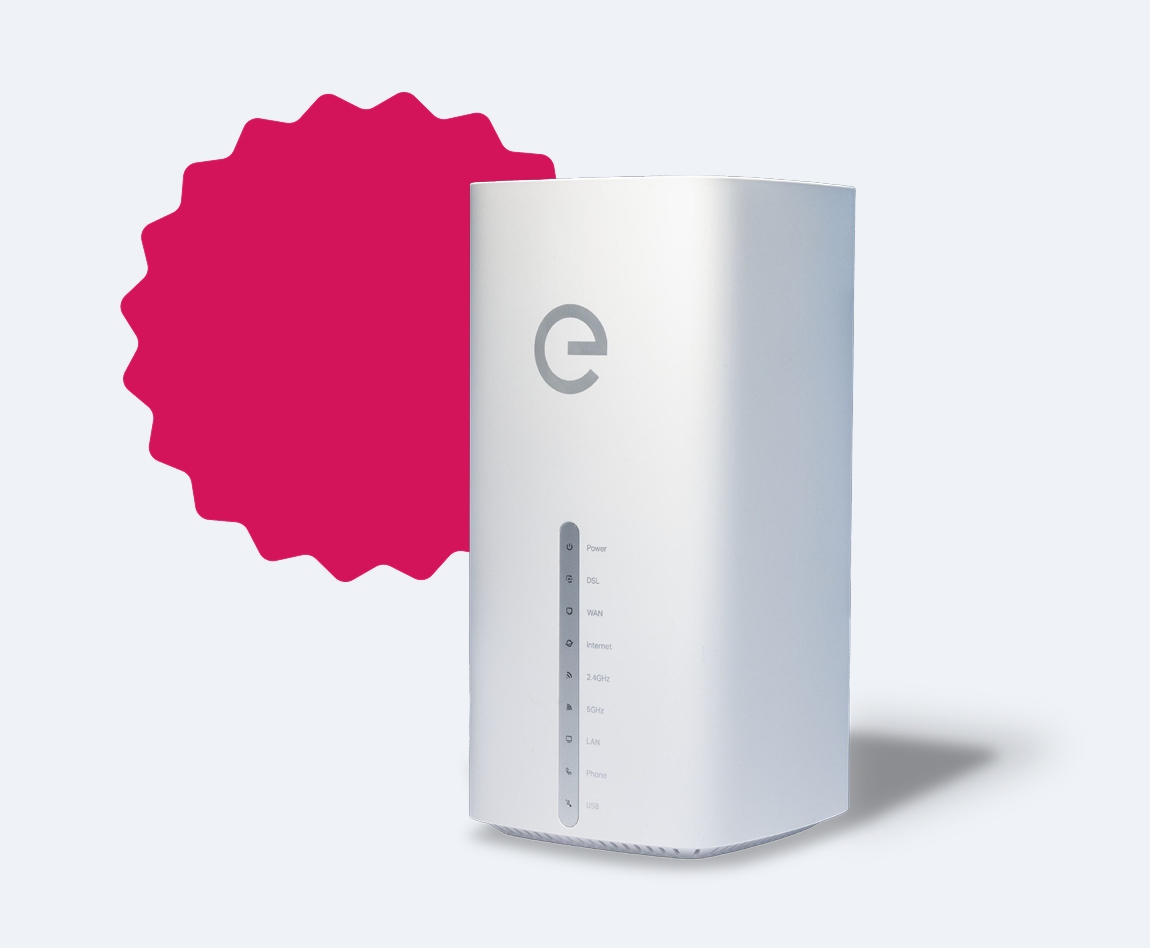
Latest-generation WiFi 6 modem.
Customer service managed by a network of specialized phone consultants and more than a thousand stores located across the country.
You can subscribe to an internet access service contract on the website www.enel.it, through the Enel Energia App, at the nearest Enel Space or Enel Partner Space, or by calling the toll-free number 140.
You can pay your bills through:
- Direct debit from an Italian or foreign bank account within the SEPA area (SDD), postal current account (SDD), payment card with a PAN (16-digit code) managed by Visa, MasterCard, Maestro, or American Express networks issued in Italy and throughout the SEPA area, or PayPal account;
- PagoPA payment notice, either online via the IO app or through your bank’s app/website or other authorized PagoPA channels; or in person at banks, ATMs, authorized payment points, post offices, supermarkets, and all enabled stores. Using PagoPA means you don’t have to send any payment receipt;
- Customer Area on the enel.it website and the Enel Energia App.
To check if your address is covered by Enel Energia Fiber, you can visit the website enel.it.
In most cases, activating the line requires a technician to visit your home by appointment. Where possible, existing installations will be used, but if these are found to be unsuitable, the technician may inform you of any necessary upgrades, which will not be carried out by the technician and will be your responsibility. If a technician's visit is not required, we will notify you by email once the line is activated. You can then connect the modem and start using the service.
Typically, the technician’s visit lasts about two hours from arrival. Afterwards, by following simple instructions, you can connect the modem that Enel Energia has shipped directly to your home and start using the internet service.
Yes, you can activate Enel Energia Fiber service even if you don’t have a fixed phone line.
Currently, Enel Energia’s Fiber service manages data traffic only. If you already have a voice/data phone line and want to transfer your internet connection from another provider, once the data service is active with Enel Energia, the voice service will be automatically terminated, resulting in the loss of your phone number.
The migration code is a unique identifier for each user that specifies the previous operator of the phone line and internet connection. It can be up to 18 characters long and is used by fixed-line and internet providers to facilitate the process of switching operators. Finding the migration code is easy—it is shown on every bill or, alternatively, can be requested from the Customer Service of your current provider. Please enter it without including any spaces or special characters.
You can access your Fiber service bills by logging into your customer area on the enel.it website or through the Enel Energia App.
If your previous line is not automatically terminated, we encourage you to check the terms and conditions for cancellation outlined in your contract with your previous provider.
To cancel your contract, you can contact our Customer Service at the toll-free number 140, visit a physical point (Spazio Enel, Spazio Enel Partner), or use the form available on the enel.it website.
If you choose to use the form on the website, you can download it and submit it completed via one of the following methods:
Mail: Casella Postale 8080 - 85100 Potenza (PZ), Italy
Physical points (Spazio Enel, Spazio Enel Partner)
The cancellation must be communicated with at least thirty days’ notice before the expiration date indicated in your contract documentation. The cancellation will take effect from the date your request is registered in Enel Energia’s systems and, in any case, no later than thirty days from your communication.
In case of service deactivation, you must return the modem within 30 days, starting from the date the service is officially terminated by Enel Energia.
If you fail to return the modem, a charge of 50 euros will be applied, as specified in the "Contract Summary" document.
In case of cancellation, you will be required to:
- Pay a deactivation fee equal to the amount indicated in the Offer and the Contract Summary. This fee is not due if you cancel because you do not accept contractual or economic changes communicated by Enel Energia, if the Internet access does not meet the contractually agreed quality levels, or if the contract automatically renews as an open-ended agreement after the initial commitment period expires;
- Pay for the service used up to the effective date of the cancellation;
- Pay a penalty to Enel Energia, as specified in the Offer and Contract Summary, if you fail to return the modem within the deadlines and according to the procedures outlined in the General Terms and Conditions of the Contract after cancellation.
You can view and download the PDF of your contract within Enel Energia’s Customer Area by accessing the details of your service.
You can view and download the Service Charter on the enel.it website and within your Customer Area.
Puoi utilizzare i seguenti canali per entrare in contatto con Enel Energia.
- You can contact Enel Energia through the following channels:
- Online channels: enel.it (Live Chat), Enel Energia App (EnelClic), Pedius;
- Customer Service: toll-free number 140 (for calls within Italy), available Monday to Sunday from 7:00 AM to 10:00 PM (excluding national holidays), or +39 0664511012 (for calls from abroad, charged at your operator’s rates);
- Email: allegati.enelenergia@enel.com, PEC: servizio.clienti.enelenergia@pec.enel.it, Postal mail: Casella Postale 8080 - 85100 Potenza (PZ), Italy;
- Physical locations: Spazio Enel or Spazio Enel Partner (find all addresses on the Spazio Enel page);
- Social channels: Telegram (@EnelEnergiaBot), WhatsApp (+39 329 8710714), Messenger (Enel.Energia.10), Twitter (@EnelEnergiaHelp).
No security deposit charge applies for the fiber service supply.
You will receive the invoice for the fiber service every two months, based on the service activation date.
For more information on subscribing to an offer without a modem included, please visit the page dedicated to bring-your-own modem.
Verify ZIP Code
Enter the ZIP code of the residence for which you want to activate the offer and check if you're eligible. If the result is positive, you can proceed with the subscription.


Ci dispiace! Sembra che il tuo CAP non rientri tra quelli in cui è possibile sottoscrivere l’offerta
Find out what type of Fiber is available at your address
With Enel Energia Fiber, you always surf at the highest speed available. Enter your address and discover the details of your new connection.
Ci dispiace! L’indirizzo che hai inserito non è ancora raggiunto dalla fibra di Enel Energia
In questo momento non è possibile attivare l’offerta sull’indirizzo indicato perché non è raggiunto dalla fibra di Enel Energia. Puoi sempre verificare un altro indirizzo.
Qualcosa è andato storto
Riprova più tardi
By purchasing the air conditioner, you’ve unlocked an exclusive discount code and are entitled to a reward. Enter the code to receive a €360 bill bonus with the Formidabile Luce offer tailored for you.


Formidabile Luce for you
The Formidabile Luce offer includes a discount on the list price of the energy component for customers switching from the Servizio di Maggior Tutela.

Locked for the first 12 months
Commercialization and Sales Fee
12 €/kWh
Air Conditioner at a Formidable Price
Purchase an Enel X air conditioning system with delivery, standard installation, and ENEA paperwork support included.*
Price air conditioner
, month

Standard installation included
ENEA paperwork support included*