

Set&Charge
The complete solution for your customers with electric cars
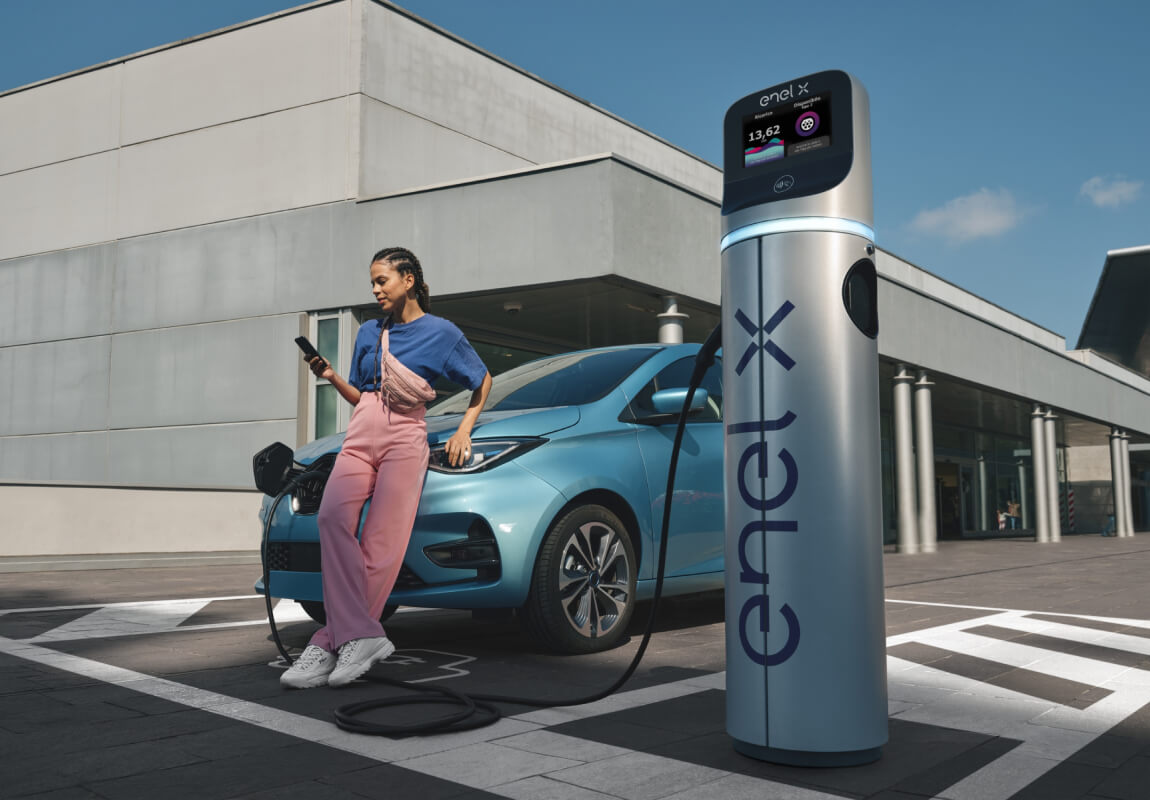
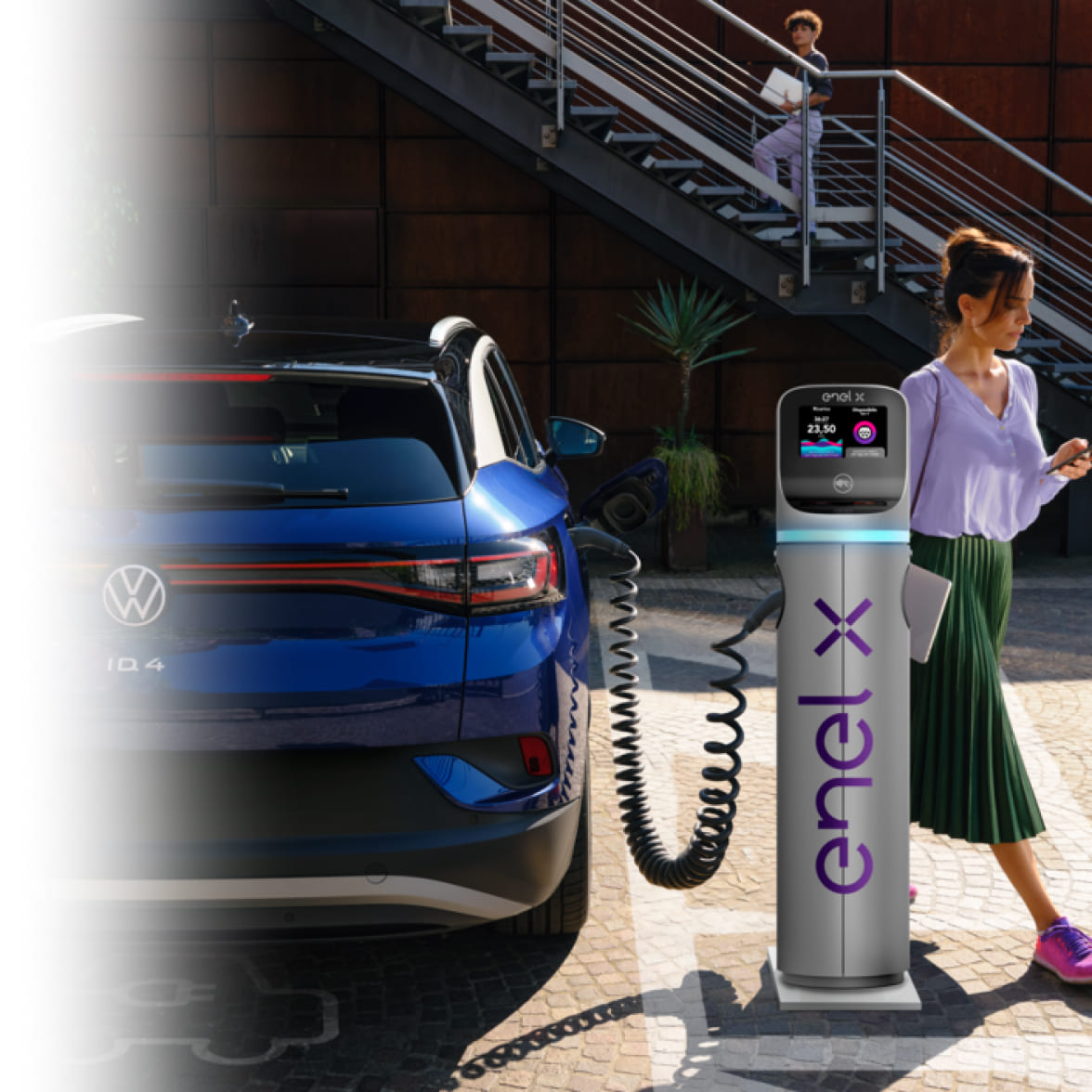
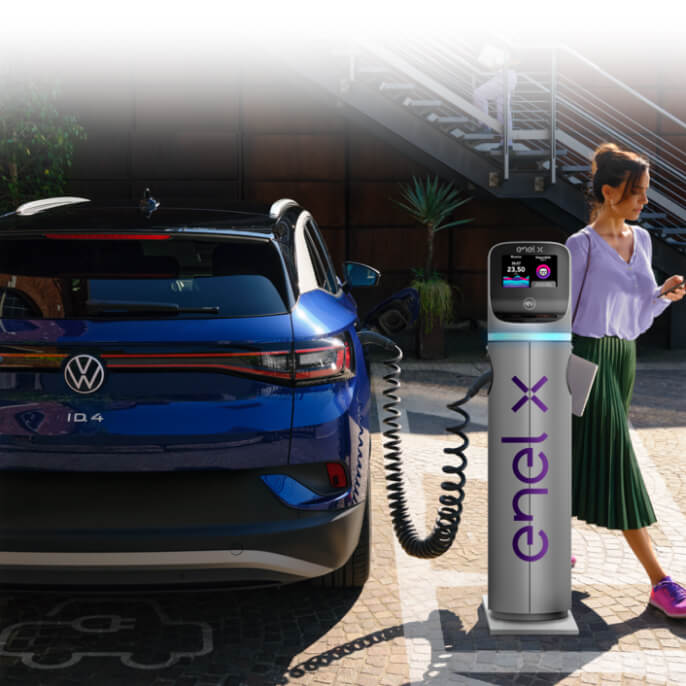
Why is it convenient?
Visibility
Through the Enel X Way App you can make your charging points accessible to users so as to increase the visibility of your business, attracting new potential customers and differentiating yourself from the competition.
Convenience
Decide independently the price to apply to your customers' recharges and you can start earning immediately: set a recharge price for your customers that is higher than the cost per kWh that you pay for energy (including regulated components and tax charges).
Monthly subscription
For management, you only pay a monthly fee per socket. If you are an Enel Energia Customer or want to become one, you will receive the fee automatically in your bill, making it easier to control your costs and revenues.
Many exclusive services for electric mobility
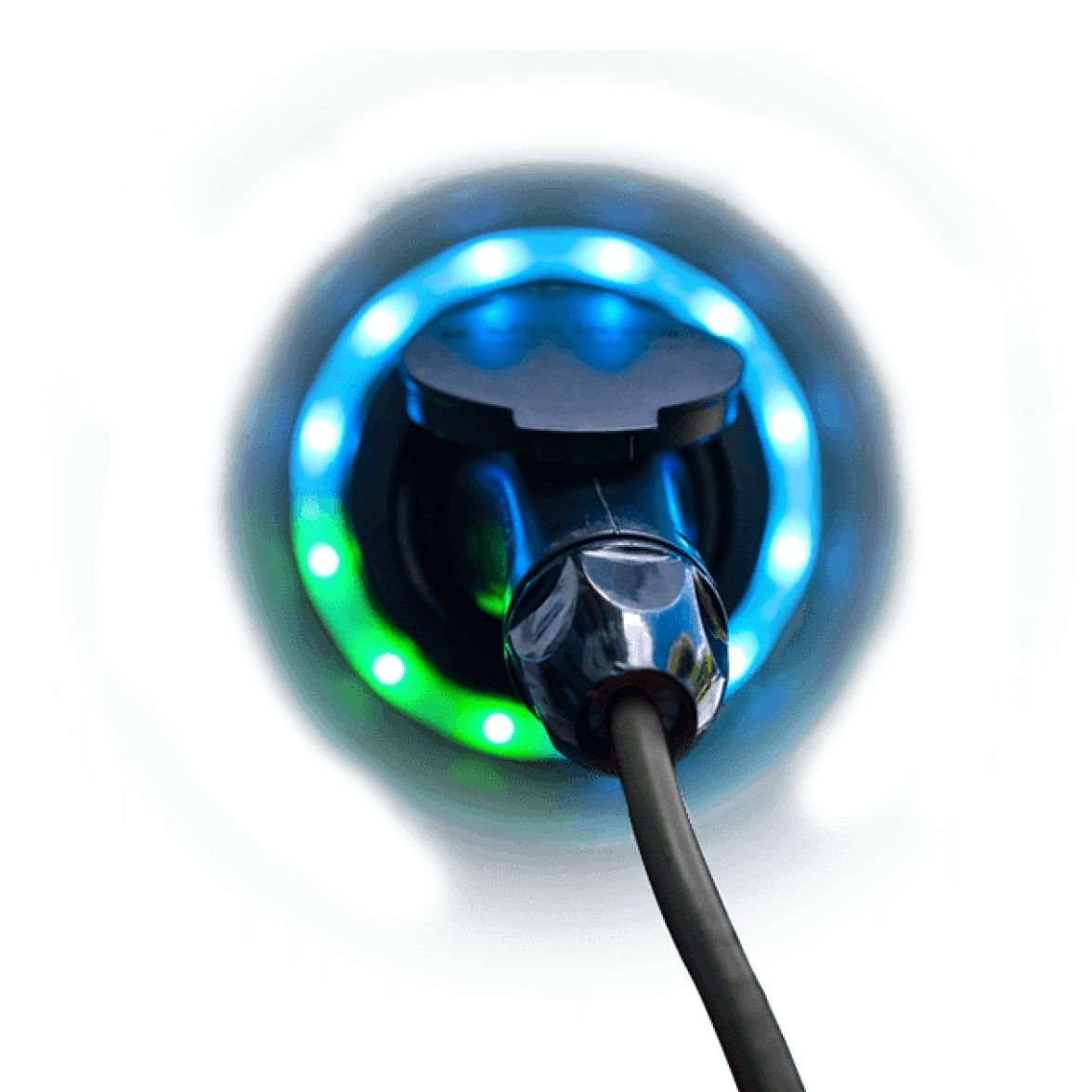
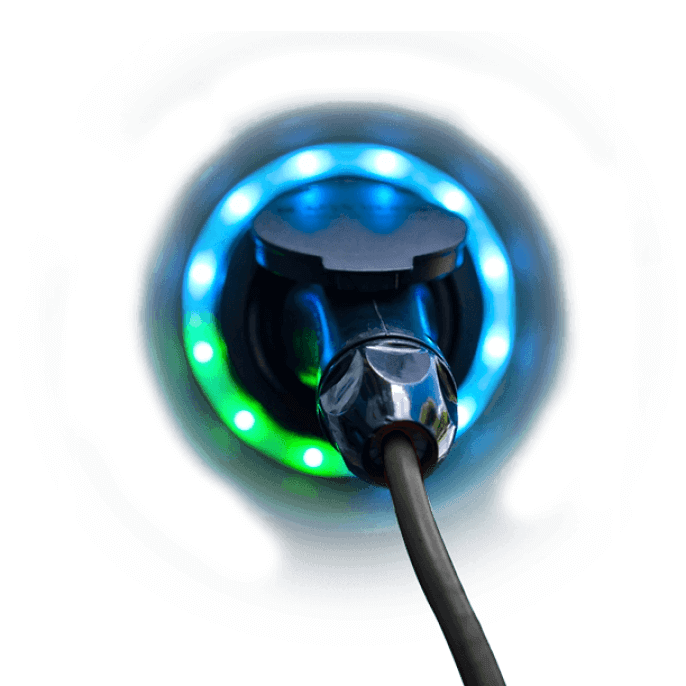
A unique package for your customers that includes the charging station for electric cars and customizable services for every need


Our expertise at your service
How can you choose the right Enel offer for your business? Thanks to Enel consultants who will be able to develop tailor-made solutions for the needs of your business. Contact one of our consultants.
Together you can put together the Set&Charge offer that best suits your needs, evaluating with you the number of charging points and the best method for your business.
To access the offer you must have at least one charging station in the Enel X Way Italia catalogue or a compatible station. If your company does not have one, our consultants will support you in choosing the charging station that best suits your needs.
Our consultant will help you evaluate the number of charging points initially necessary for your business and the type, the possibility of deferring payment in the way that best suits you, up to 60 months and directly on your bill if you are an Enel Energia Customer.
Add the Set&Charge service to your Enel Energia electricity offer and differentiate your Business! For more information on the service, you can consult the dedicated page on the Enel website.
Configuration and operation
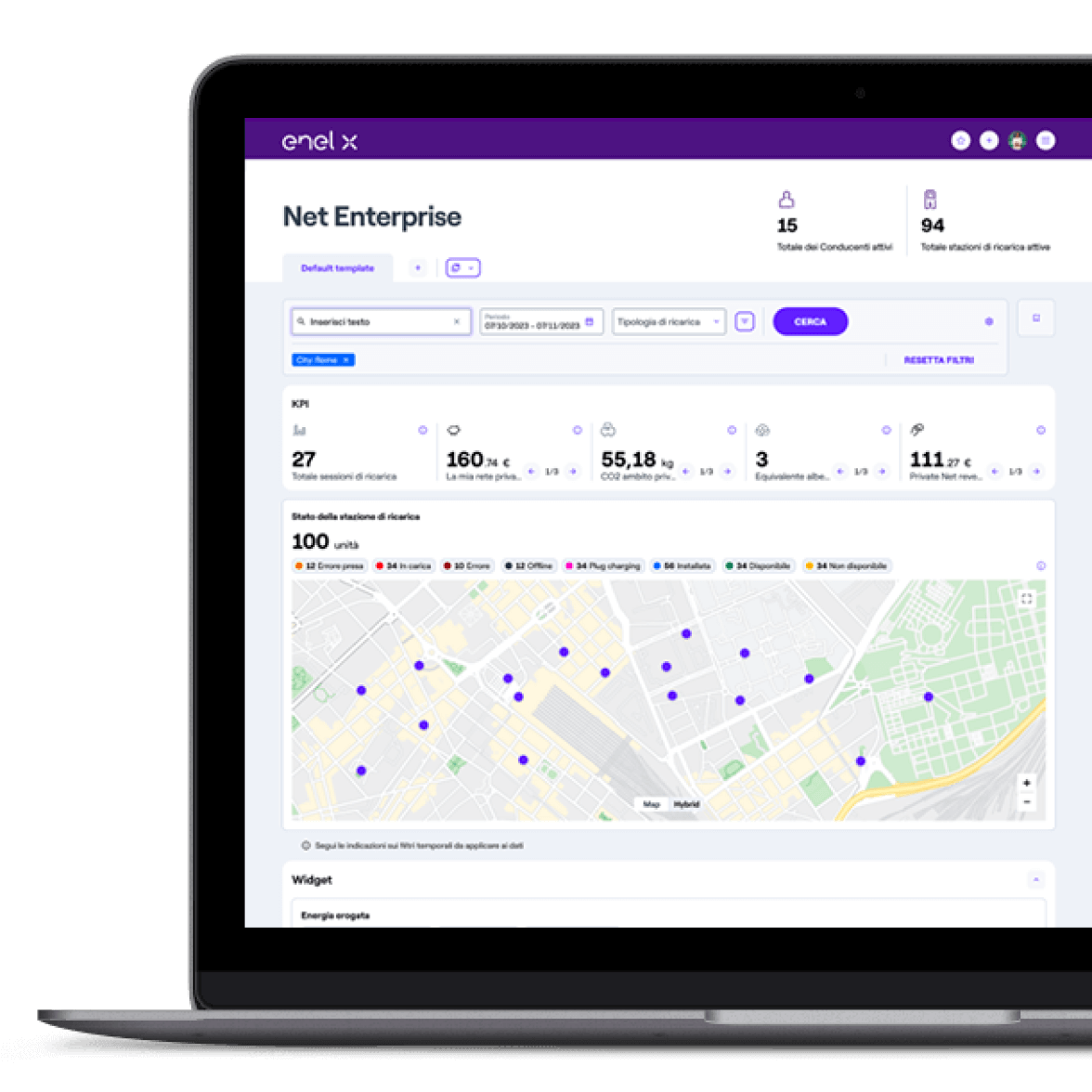
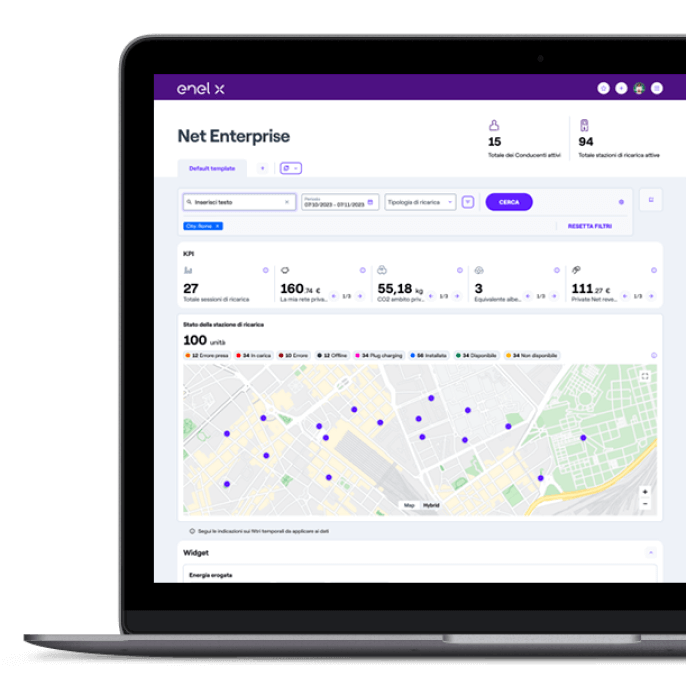
Once the charging station is installed, set up the service completely independently and in a few simple steps thanks to the Net Enterprise dashboard.
Decide in complete freedom:
- The hours of availability of the charging service;
- The amounts, i.e. the price of the service offered;
- The users who can access the service, i.e. your customers, all users of the Enel X Way App or users with the Enel X Way company card.
Once the configuration is complete, you will only have to monitor the status of the infrastructure and issue the monthly invoice relating to the collections in order to receive the top-up amounts in the Enel Energia bill.
You choose the conditions of the charging service
You can set up your charging stations in different configurations: with the private mode, your customers will be able to charge their electric car using a unique code that you can generate on Net Enterprise and deliver them for configuration on the App, or you can choose to configure them in semi-public mode, in which case your charging station will be visible to all users of the Enel X Way App or to users with an Enel X Way company card.
Decide independently on the price to be attributed to the charging
Choose, set and modify the price of the charging at any time via the Net Enterprise software, the configurations will be immediately viewable on App.
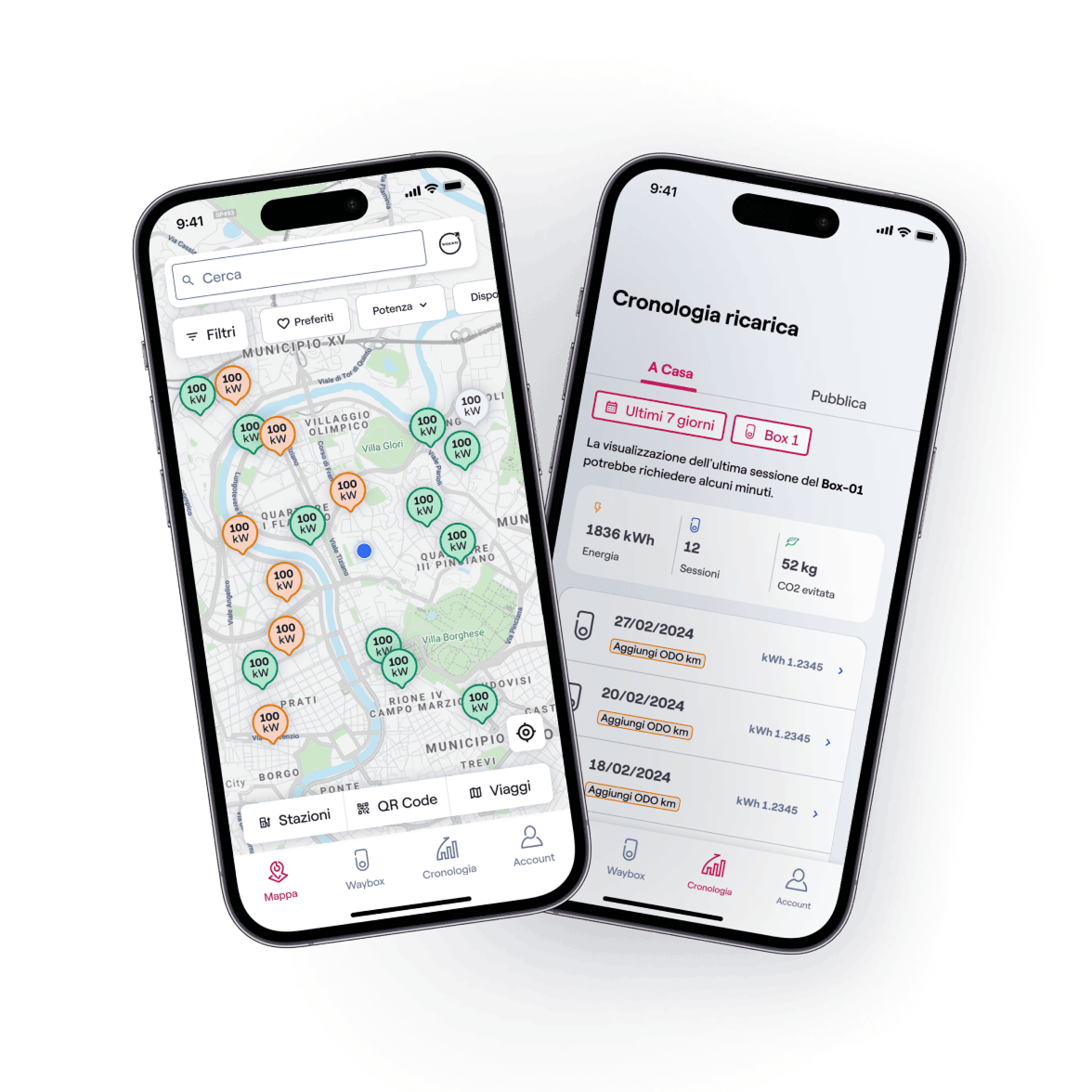
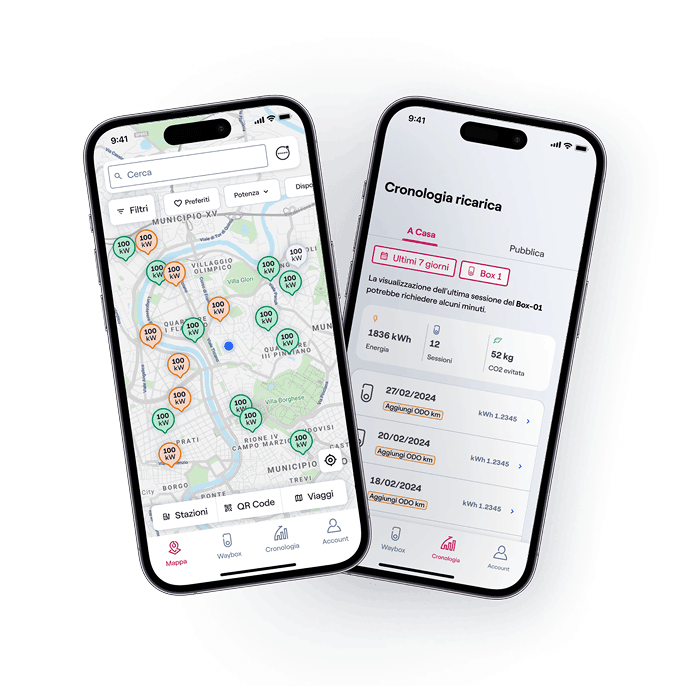
In fact, the user who wants to charge the electric car through the Enel X Way App, will be able to view in real time the charging station with a dedicated icon, the price and the availability of each socket.
Online monitoring
Thanks to the Net Enterprise software, you can constantly monitor the use of your charging points, their availability and the selling price of the service you have defined. At any time, you can consult the status of the amounts to be collected monthly, with a detail down to each individual charging session.
For each individual charging session, the Enel X Way App will manage the invoicing and collection.
Refund of top-up amounts
If you are an Enel Energia customer or wish to become one, you will receive the amounts collected by the Enel X Way App directly in your bill for all the top-ups made by your customers. If you set a price for the top-up service carried out by your customers that is higher than the cost per kWh of the supply, you will be able to reduce the amount of energy to be paid on the bill.
To receive the top-up amounts, simply access Net Enterprise, set the time filters from the "Accounting" page, and issue an invoice to Enel X Way equal to the amount highlighted in the detailed report and the "Total Net Revenues (excluding VAT)" indicator.
For the billing and collection service for individual top-ups via Enel X Way, a fee will be retained on the invoiced amounts.
Frequent questions
How do I receive revenue for top-ups?
To receive the revenues or amounts deriving from the individual recharges to be invoiced, you will need to access the Net Enterprise software, set the time filters from the "Accounting" page, download the report and issue an invoice to Enel X Way according to the instructions provided in the contract and in an amount equal to the amount highlighted in the detailed report and the "Total Net Revenues (VAT excluded)" indicator.
Consult the manual inside the dashboard for further details.
Can I set the top-up price to zero euros?
Yes. All tax charges arising from the transaction are your responsibility. Consult your accountant to best manage the charges.
Which charging stations are compatible?
You can consult the list of stations immediately compatible with the Net Enterprise software via the dedicated page.
Verify ZIP Code
Enter the ZIP code of the residence for which you want to activate the offer and check if you're eligible. If the result is positive, you can proceed with the subscription.


Ci dispiace! Sembra che il tuo CAP non rientri tra quelli in cui è possibile sottoscrivere l’offerta
Find out what type of Fiber is available at your address
With Enel Energia Fiber, you always surf at the highest speed available. Enter your address and discover the details of your new connection.
Ci dispiace! L’indirizzo che hai inserito non è ancora raggiunto dalla fibra di Enel Energia
In questo momento non è possibile attivare l’offerta sull’indirizzo indicato perché non è raggiunto dalla fibra di Enel Energia. Puoi sempre verificare un altro indirizzo.
Qualcosa è andato storto
Riprova più tardi
Discounted offer
By purchasing the air conditioner, you’ve unlocked an exclusive discount code and are entitled to a reward. Enter the code to receive a €360 bill bonus with the Formidabile Luce offer tailored for you.

Buy them together
The offer includes a Power contract with a €10 monthly bill bonus for 36 months and an air conditioner starting from €19.90 per month. APR 7.48% and Annual Percentage Rate of Charge 7.74%.
Power

Formidabile Luce for you
The Formidabile Luce offer includes a discount on the list price of the energy component for customers switching from the Servizio di Maggior Tutela.
Locked for the first 12 months
Commercialization and Sales Fee
12 €/kWh
Air Conditioner at a Formidable Price
Purchase an Enel X air conditioning system with delivery, standard installation, and ENEA paperwork support included.*
Price air conditioner
, month

Standard installation included
ENEA paperwork support included*
Buy them together
The offer includes a Power contract with a €10 monthly bill bonus for 36 months and an air conditioner starting from €19.90 per month. APR 7.48% and Annual Percentage Rate of Charge 7.74%.
Power
Formidabile Luce for you
The Formidabile Luce offer includes a discount on the list price of the energy component for customers switching from the Servizio di Maggior Tutela.
Locked for the first 12 months
Commercialization and Sales Fee
12 €/kWh
*The price refers to the energy component only (VAT and taxes excluded) and is locked...
Codice promozionale non valido
Ops, qualcosa è andato storto
